INSTRUMENT PANEL
3
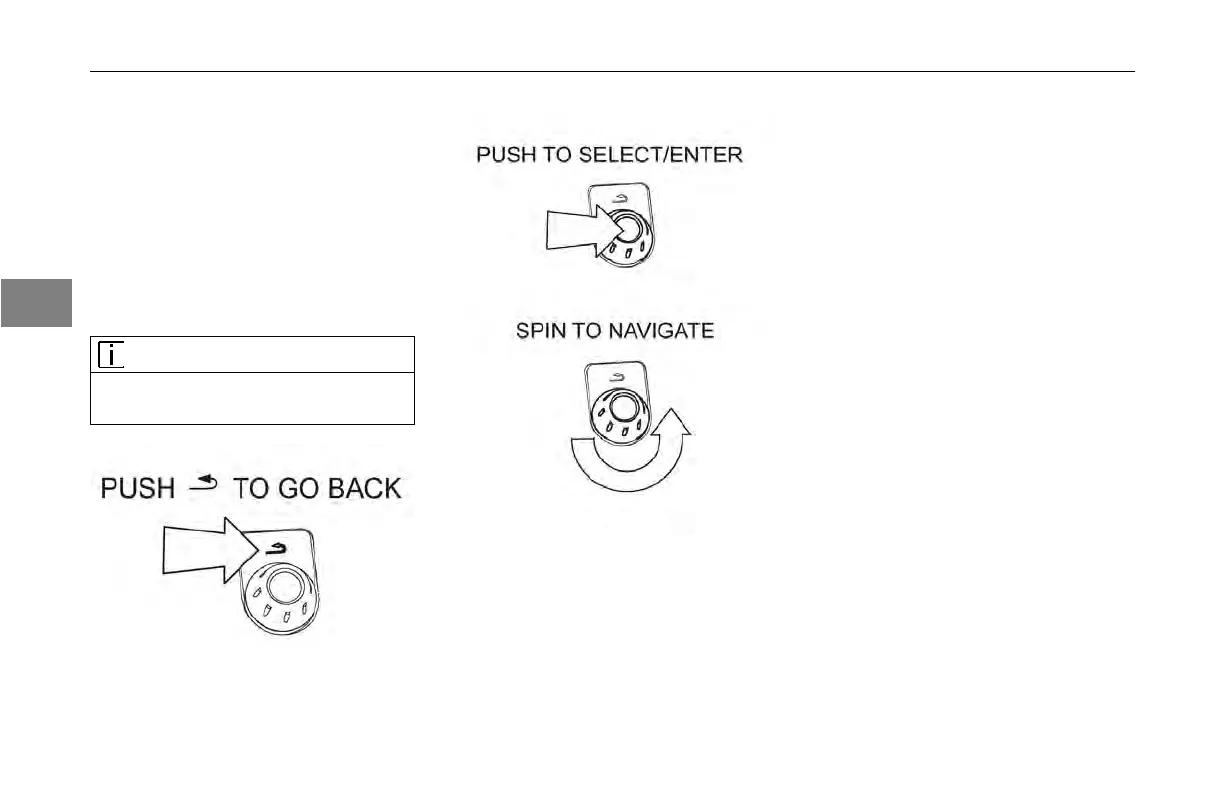
The MCS knob can perform two
functions. It can select and set values
when spun and enter your settings
when pushed.
The MCS
button has a BACK button
located above the knob. Pressing this
button will go back to the previous
menu.
NOTE
If the
button is held for 2 seconds, it will
turn off the display screen.
Here is a list of the available menu
items:
• Blank screen - Use this menu item
to minimize information on the
screen.
• Virtual gauges - This menu item
provides dynamic information to
the operator.
• Ignition timer - Use this menu to
set the time to idle the engine after
removing the ignition key.
• Trip Information - Use this
information to get trip summary
details.
• Truck Information - Provides
information about the vehicle.
• Active Warnings - Use this menu
to view vehicle fault codes and
messages.
• Settings - Use this menus to
change preferences.
• Fuel Economy - Use this display
to view the fuel economy
performance of the vehicle.
(available in driving mode)
3-20
Y53-6047–2C (04/13)



 To Next Page