INSTRUMENT PANEL
Navigation of the system is organized
into 3 levels of functions. The rst level
of organization is identied as "Trunk"
level functions. The second level is
identied as "Branch" level functions.
The lowest level of functions are
identied as the "Leaf" level functions.
Some screens will appear differently
depending if the vehicle is moving
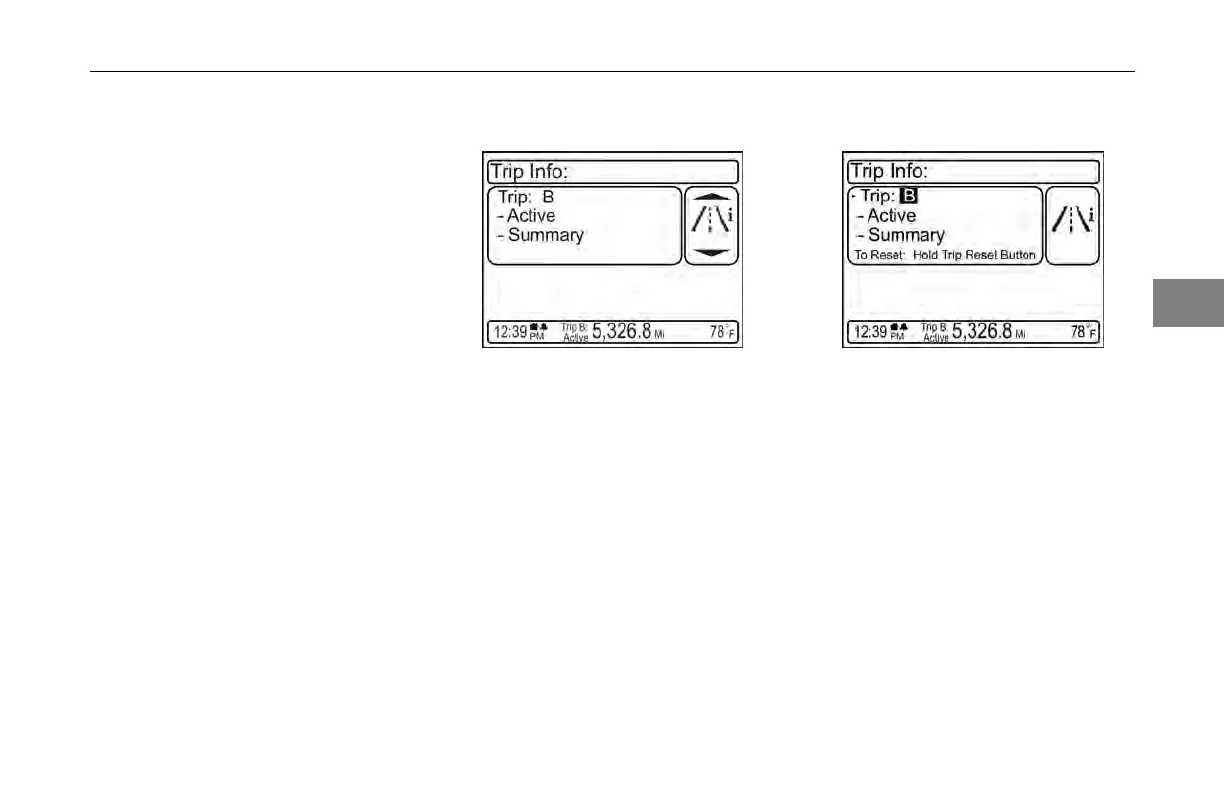
or parked. The following images
provide an example of a screen to get
familiarized with the interface.
Trunk
Level
At this
level, you can navigate between
functions by turning the MCS knob.
You can enter a function by pushing
the knob; at which you would then be
going to what is termed the “branch”
level of the software.
Navigating at
the Trunk level
Branch Level
In the
branch level of functions,
the MCS knob rotation controls a
cursor highlight. When something is
highlighted, an MCS Push will select
that item or toggle its contents. Toggle
elds typically use a darker colored
text to distinguish them from elds that
take the user to the “Leaf level”.
Navigating at
the Branch Level
Leaf Level
At this
level, there are no more options
to choose from. The MCS can be used
to scroll through various information
and the back button can be used to
revert up to the branch (1 push) or the
trunk (2 pushes) levels of the system.
3
(04/13) Y53-6047–2C 3-21



 To Next Page