INSTRUMENT PANEL
Description of Menu Screens
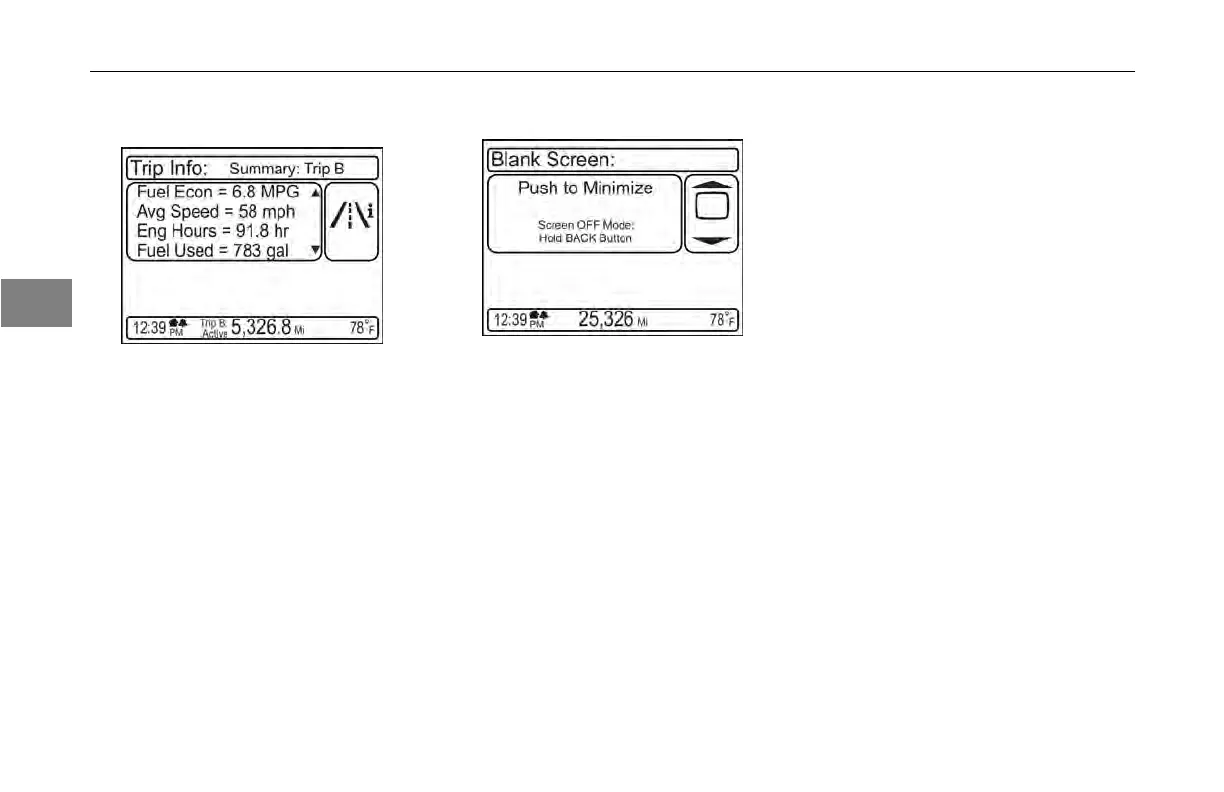
Navigating at the Leaf Level The blank screen mode is selected
through the rotary MCS knob. The
Display OFF Mode is selected by
pressing the button above the MCS
knob for more than 2 seconds.
Blank Screen
3
This screen is available in both parked
and driving modes.
The blank
screen mode is to allow
for minimized screen elements, while
still maintaining some of the more
permanent screen content such as
the odometer, outside air temperature,
warning cue, etc. This is different
from the Display OFF Mode where the
entire display shuts off.
3-22 Y53-6047–2C (04/13)



 To Next Page