INSTRUMENT PANEL
Tire Pressure Monitoring System pressure that is outside of normal Virtual Gauges
parameters. This information is only
available when parked.
3
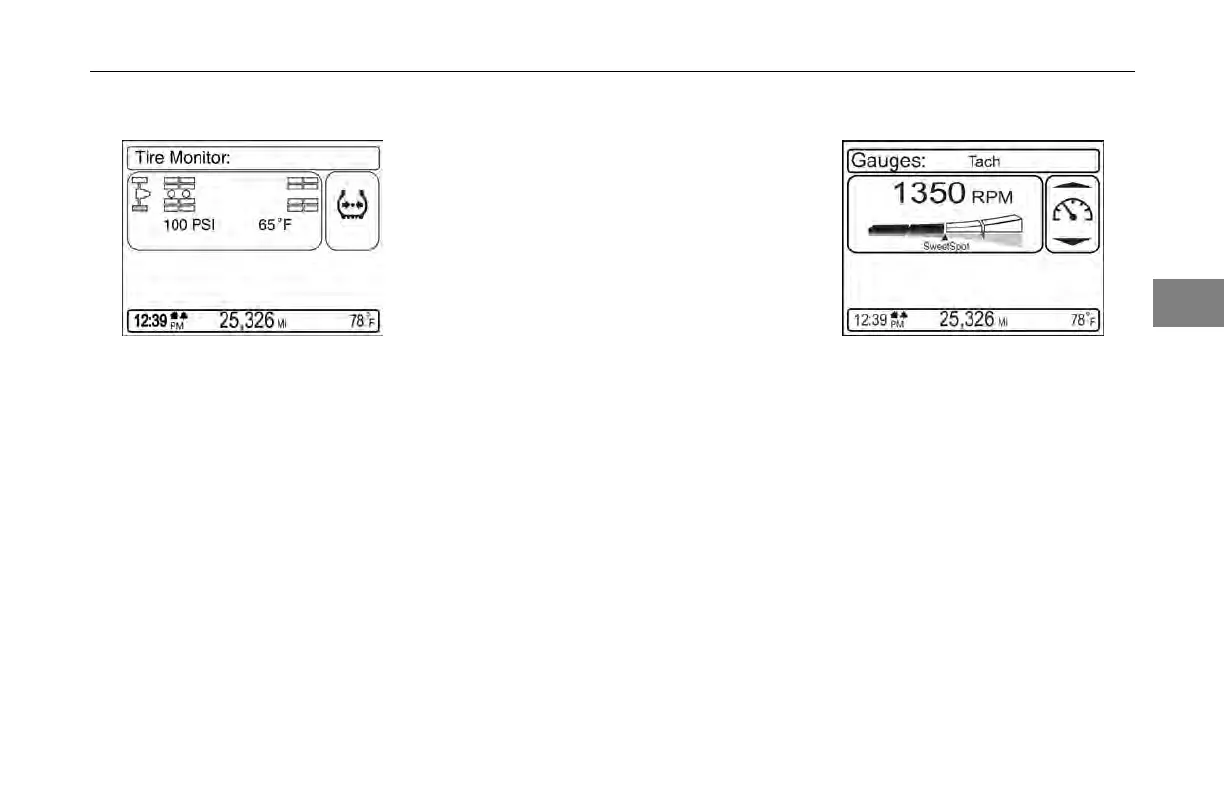
The tire pressure monitor menu
provides individual tire pressure
and temperature information for
each tire identied on the vehicle
when the vehicle is parked only. A
push on the MCS knob will open
the menu item. Spinning the MCS
knob will scroll through the tires and
display the information accordingly.
When scrolling through each tire’s
information, the relevant tire will
appear highlighted in the menu screen.
A warning message will appear if the
system detects a tire temperature or
The virtual
gauges function is selected
through the rotary MCS knob and is
available in both parked and driving
modes.
Virtual
gauges provide dynamic
information about the vehicle's
performance. Spin the MCS button
to scroll through the available gauges
and push to select the desired gauge
to view.
(04/13) Y53-6047–2C 3-23



 To Next Page