14
3.0 Introduction to the P65+
System overview
The Phase One P+ back is designed specically to t on one of several
brands or models of medium format cameras.
This overview section will deal with generic features, available in all
these different models: Tethered or untethered operation, preview
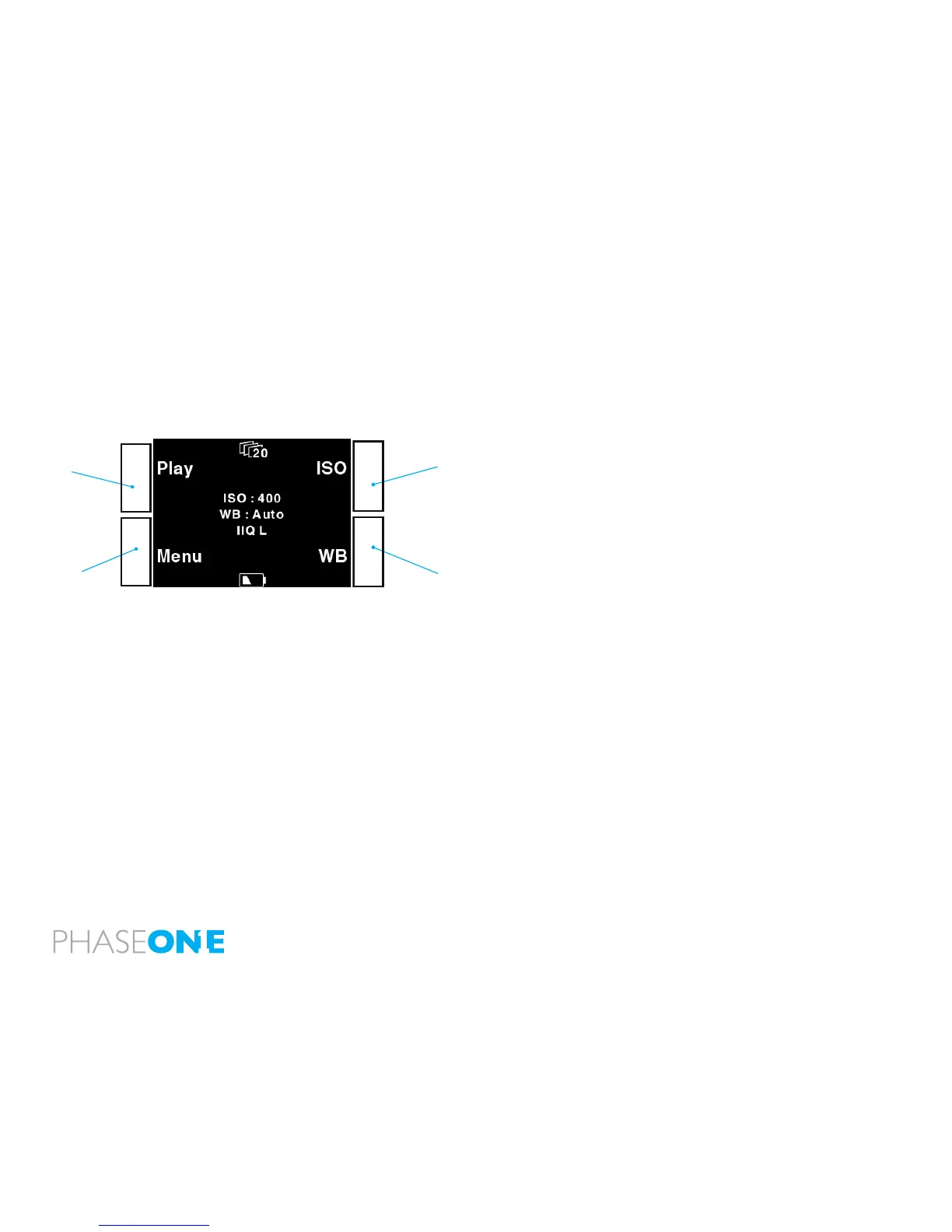
display functions, menu system controls (the P+ backs have four
buttons controlling the settings in the back), etc. Certain camera specic
explanations are placed in sections later in this manual. These can be
instructions on how to attach the P 65+ back on a camera, how to
install the focusing mask provided if needed, special cable connections
and other considerations.
You might want to look into the camera specic section before returning
to the overview to learn about your specic conguration needs.
Full-Frame
P 65+ is the rst digital back created to provide the full 645 format. This
means that for the rst time on medium format, your lens has the actual
focal length that is intended. Using the P 65+ you do not need a mask
to show the crop of your view that actually is your capture area.
Sensor+
P 65+ offers the largest CCD and the largest RAW les; large RAW
les will need longer time to move from the buffer to the card. If you
prefer smaller les Sensor+ will create les sized app. 25% of the
same photographic area as default, at the same time; the CCD will
offer signicantly more sensitive ISO settings, lower noise ratio and an
signicantly increased speed.
Read more on Sensor+.
Play
Menu
ISO
WB



 To Next Page