66
12.0 P 65+ back for Hasselblad V
The Phase One P 65+ back can be mounted on a wide range of
Hasselblad cameras including Hasselblad 555 ELD, 553 ELX, 501 CM,
503 CW as well as and 4” x 5” view cameras via optional Phase One
adaptors.
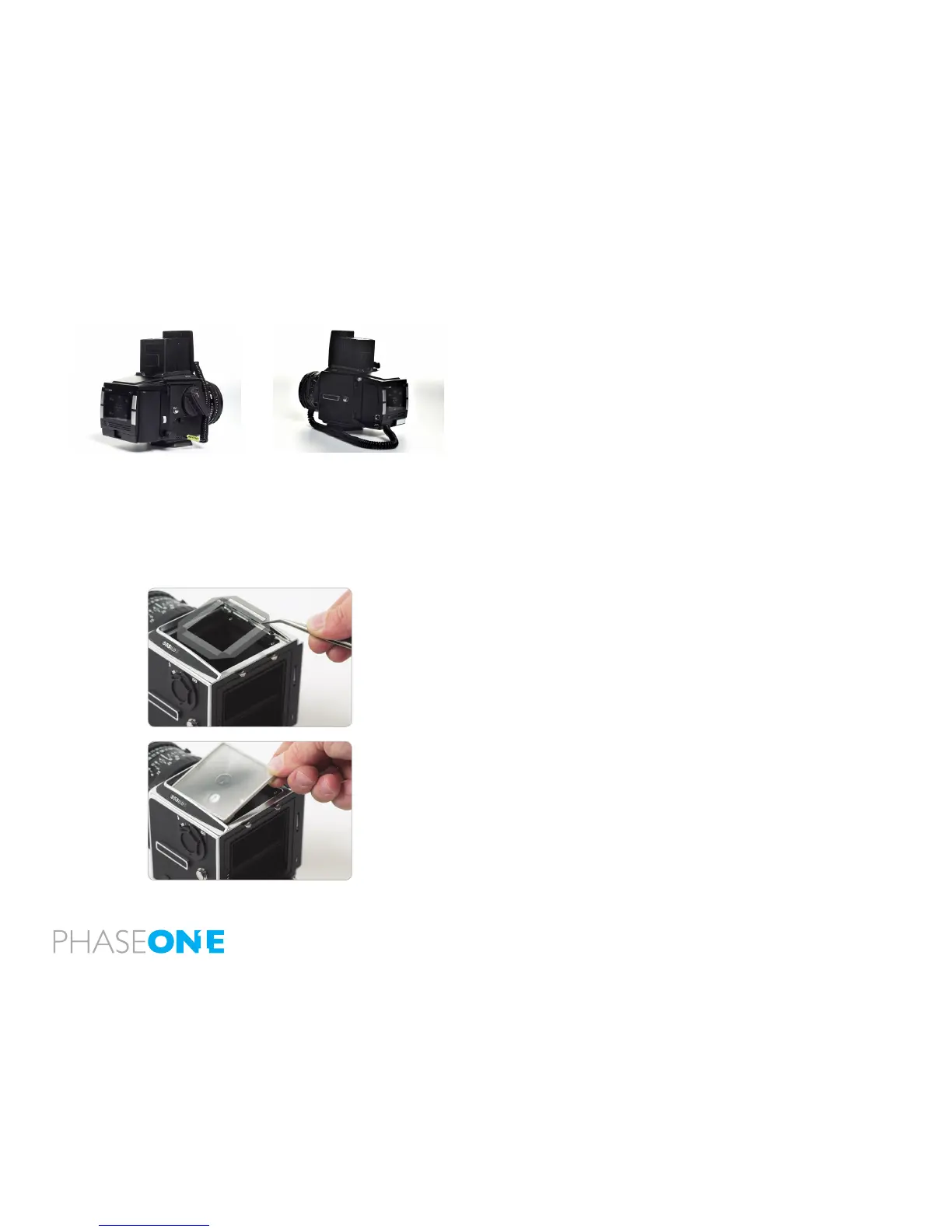
12.1 Mounting the viewfinder mask on Hasselblad V
The image area of the Hasselblad camera body is app. 6 cm x 6 cm,
whereas the image area of the P 65+ back is app. 53.9x40.4 mm.
Therefore, it is necessary to use the P 65+ back viewnder mask.
Remove the protection tape from the mask and mount it beneath the
original focusing screen.
The viewnder mask is positioned in the bracket that holds the focusing
screen. Please refer to the Hasselblad camera manual instructions
before the focus screen is removed.
After the Phase One viewnder mask is positioned in the bracket,
place the Hasselblad focusing screen on top of the mask and slide the
viewnder back into place.



 To Next Page