28
7.0 Navigating the menu system
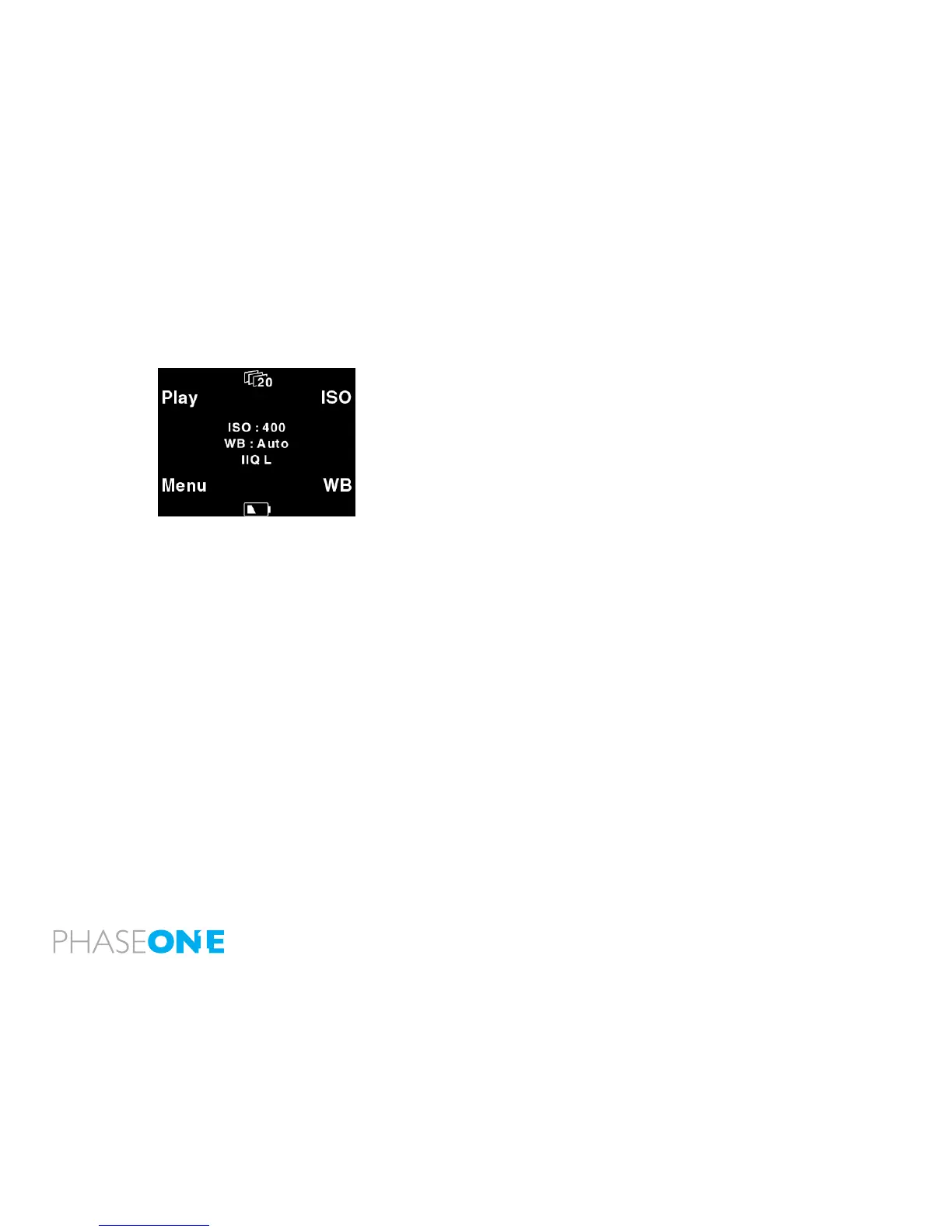
When the P 65+ back is turned on, the screen will always be in its
default position or “Main screen”.
Pressing and holding down the upper left button on the back is always
your shortcut to the Main screen, regardless of where you are in the
menu system.
The Main screen has an indicator in the top showing remaining captures
on the CF card or selected hard drive, and a power indicator at the
bottom showing the remaining battery capacity or a FireWire icon if the
P 65+ is connected to FireWire.
When either indicator reaches zero, it will start blinking, to indicate that
either storage or battery needs replacement before capturing any more
images.
The main screen also shows the current ISO setting, white balance
setting and the selected IIQ Raw le format.
Right next to the leformat indicator, you nd the image technology
indicator, if you select Sensor+ technology, you will see the S+ icon



 To Next Page