83
14.2 Image orientation detection
The H 101 – P 65+ back CCD is positioned in landscape orientation.
Whenever an image is captured in portrait position by rotating the
camera, an internal sensor detects this new position and the image
will appear correctly oriented on the LCD and in the Capture One
application.
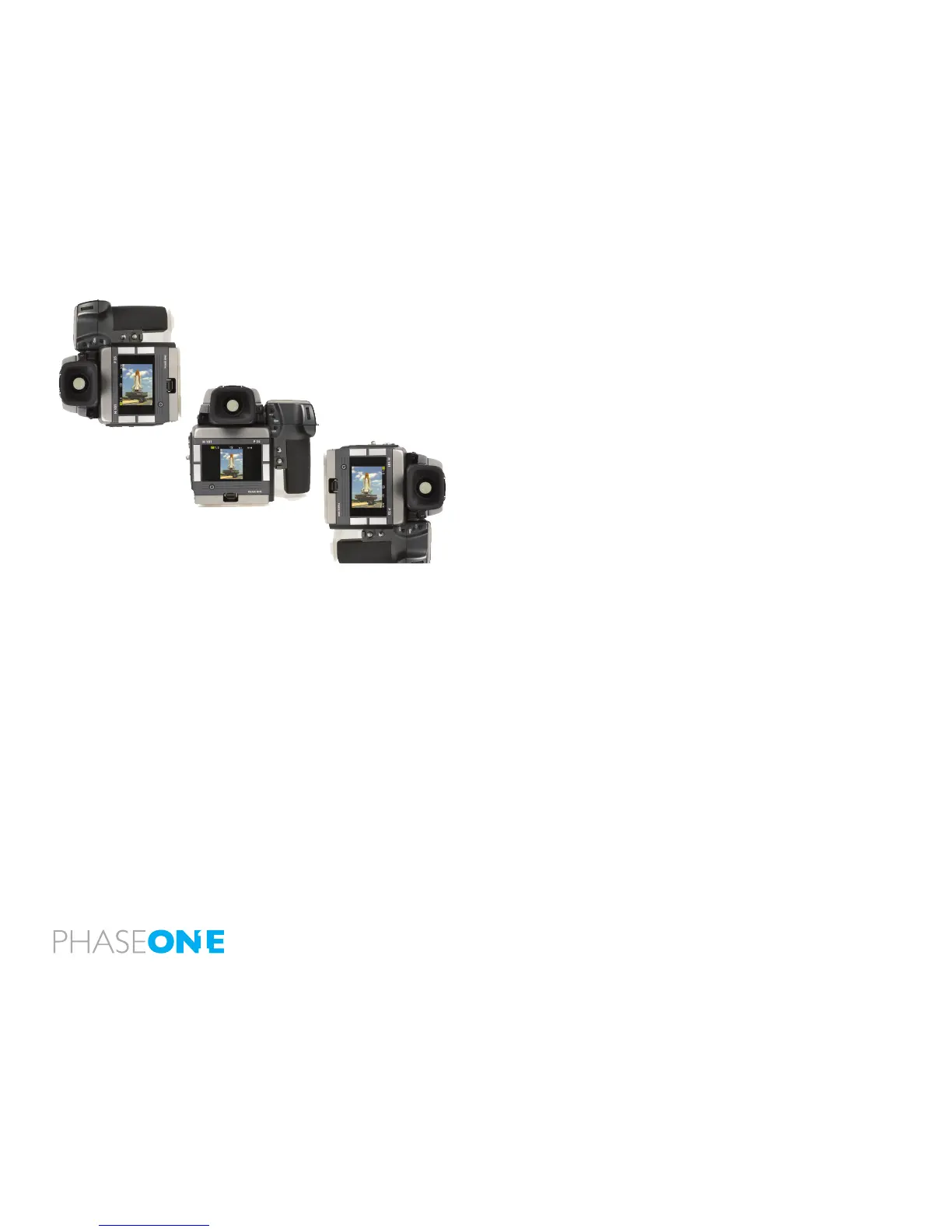
Camera orientation:
Images can be captured in the three shown positions - and will appear
with the correct orientation on the LCD and in the Capture One
software.
IR filter on the CCD
The IR lter is placed on top of the CCD.
The lter may not be removed for several reasons.
• The focusing of the H 101 - P 65+ back camera back will be
damaged
• It is only possible to remount the lter without dust in between the
lter and the CCD if you have access to special clean room facilities.
• The Phase One Product Warranty is terminated!
About viewfinder mask on H1/H2
The image area of the Hasselblad H1/H2 is app. 56 x 41.5 mm.
The image area of the H 101 – P 65+ is app 53.9x40.4 mm.
This is why H 101 – P 65+ back does not need a viewnder mask. If the
H1 has already a mask mounted in the viewnder, remove this, check
the relevant users guide for facts on this.



 To Next Page