36
8.2 Rating
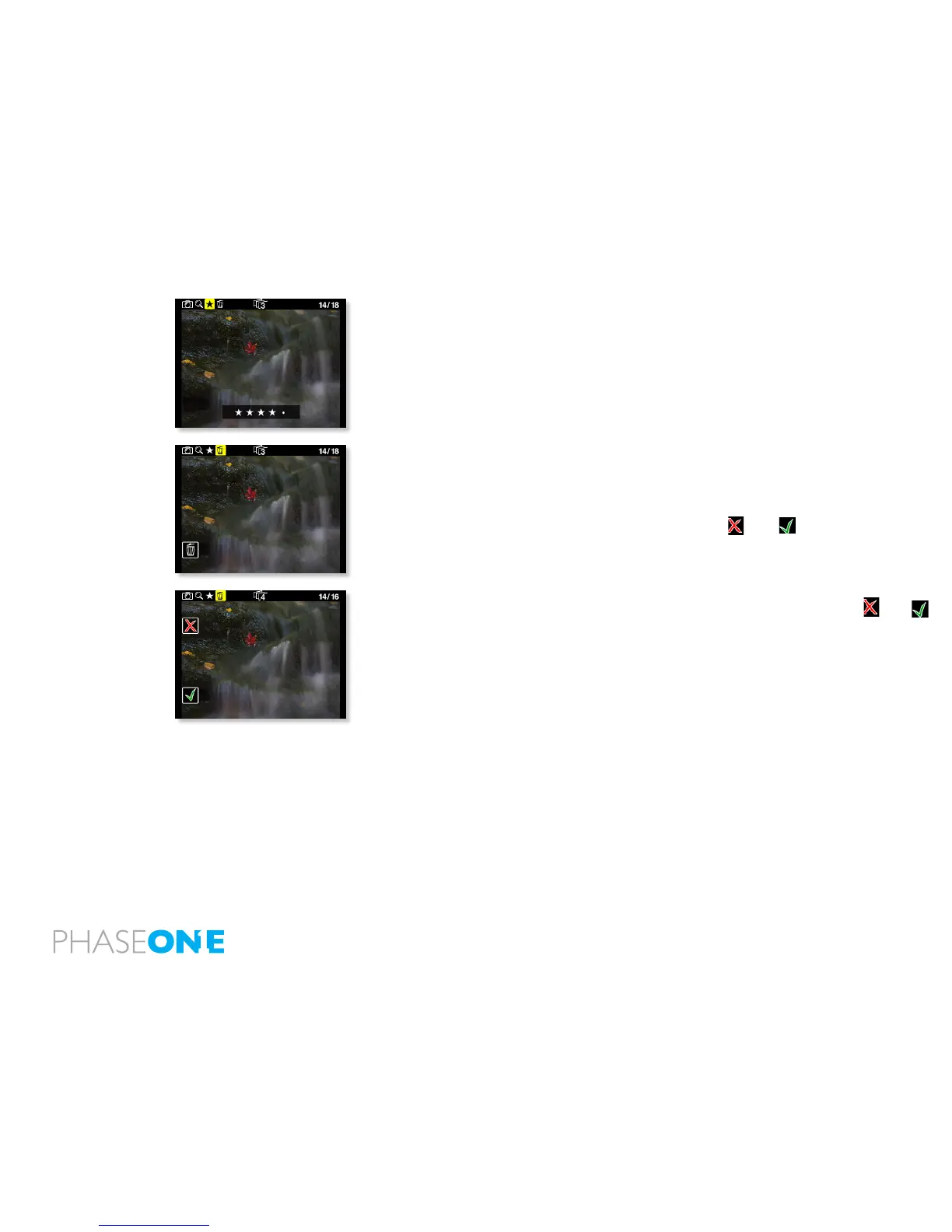
If you want to rate while viewing, select the Rating feature, now the Exit
button will provide rating, 0-5, whilst the right buttons still allows you to
browse forward and backward in your captures.
When shooting to a CF card and rating the images, the ratings will be
recognized by in Capture One upon import of the rawles.
8.3 Delete
Navigate to the delete function by pressing the play button.
When in the delete view press the Up and Down buttons to browse
through images.
Pressing the Enter button brings up an or a . Pressing “Enter”
again will select and delete the image.
Pressing the exit button will select and cancel the deletion.
If “Conrm Delete” is set to “Off” in the “Play Setup”, the and
conrmation will be skipped, and the image deleted immediately when
pressing “Enter” while on the delete menu.
8.4 Exit the Play mode
Exit the Play Setup at any time by holding down the Play button for two
seconds.



 To Next Page