21
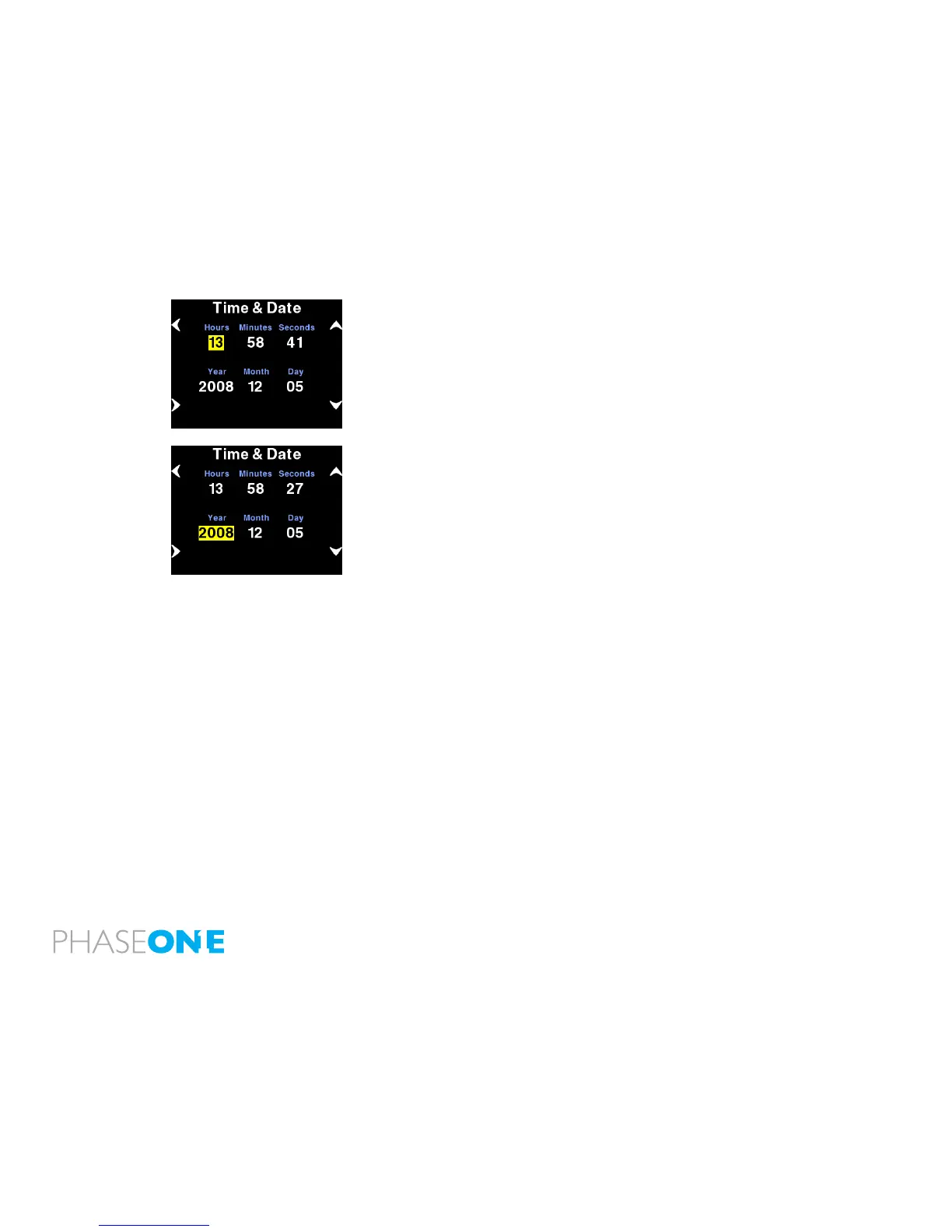
5.1 Setting up time and date
The camera back’s date and time is set to Central European Time
GMT+1 as Phase One’s production facility in located in Copenhagen,
Denmark.
If the digital back has been without power for a longer period of time,
it will automatically ask you to setup time and date when it is powered
up.
Menu>Conguration>Time and Date will allow you to set the time and
date using the four buttons on the P+ back.
Left side buttons will step through the hours, minutes and seconds
elds, while the right up and down buttons can be used to set the value
of the elds. The time and date is applied to all les captured with the
P+ back.



 To Next Page