16
3.2 General Hardware Setup
The P 65+ back is designed to be used with medium format cameras
which are created with digital backs in mind. Using your P 65+ on these
cameras is possible without any cables attached between the P 65+
back and the camera body or lens. All timing and communication is
handled in the electrical interface between the P+ back and the camera
body.
Capturing images with the FlexAdaptor on large format or technical
camera or a camera body without the digital interface is supported by
connecting the special lens sync cable that comes with all P+ backs.
For a guide to a specic camera body, please consult the corresponding
chapters later in this manual.
Powering up the P+ back
When the P 65+ is connected to a camera body, insert a battery or the
IEEE1394/FireWire cable and P 65+ will automatically turn on.
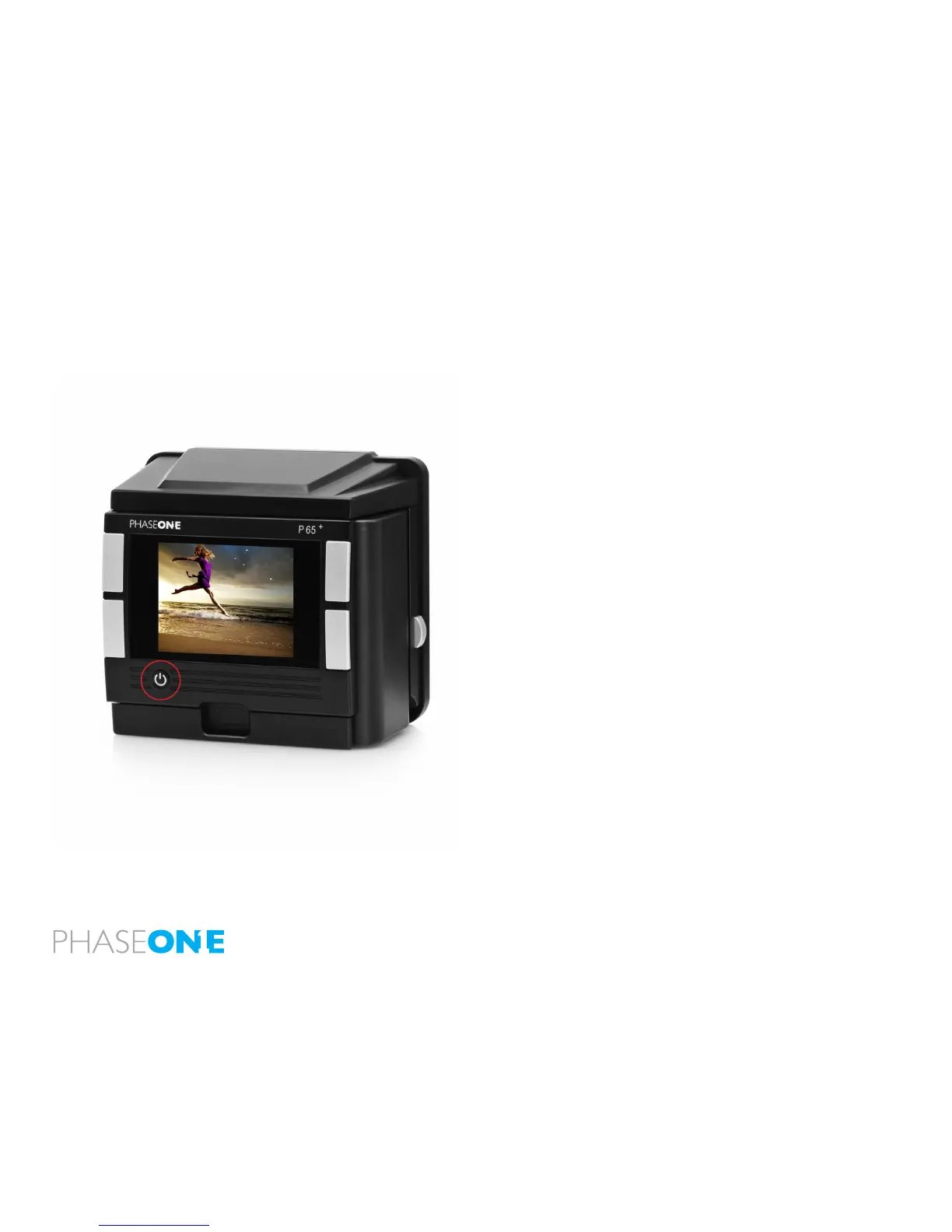
The back is switched on/off by shortly pressing the “Power” button just
below the P+ back display.
ISO Settings
Light sensitivity of the P 65+ back is per default set to ISO 50-800.
However, this setting can be changed using the menu system (when
untethered) and from the Capture panel of the Capture One application
(When tethered).
When Sensor+ is turned on the ISO range is between 200 from 3200.



 To Next Page