67
12.2 Mounting the P+ back on Hasselblad V
The P+ back is fully integrated with the camera body and acts as a true
part of the whole camera system.
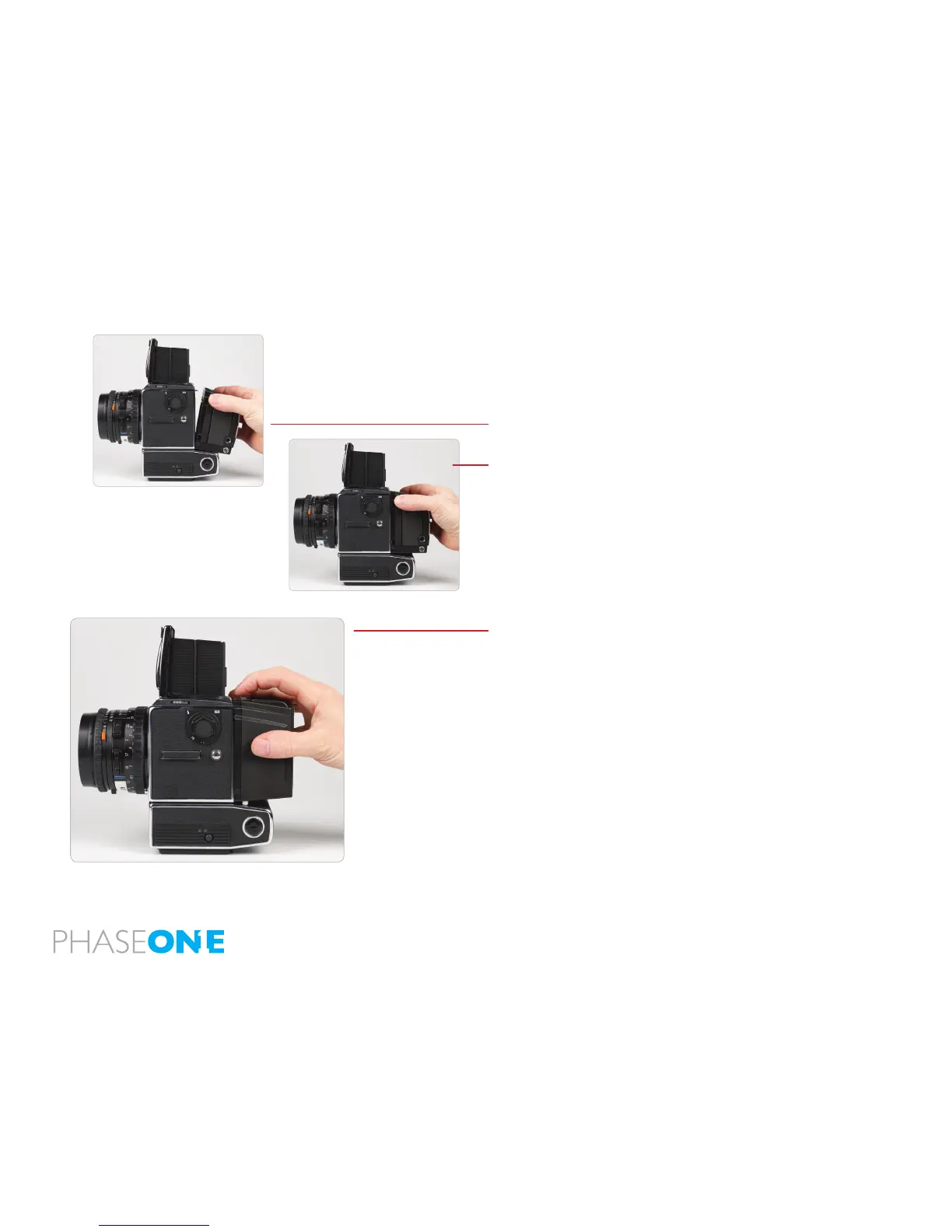
It is important to ensure that the bottom part of the P+ back camera
back is pressed well into the locking mechanism before the upper
locking mechanism is pressed together.
Place the Bottom of the P+ back in the locking mechanism.
Press the metal button in the top with your thumb and tip the upper end
in place.
Mounting the P 65+ back vertically
The P 65+ back can be rotated to the left and mounted vertically on the
Hasselblad body for use in portrait mode.
In this case the lock button on what is now the top should be slid to the
left before tipping the P 65+ back in place on the body.
Images will be rotated automatically on both the LCD screen and in the
Capture One application.



 To Next Page