57
10.3 Phase One 645AF & Mamiya 645AFD series more details
Image orientation
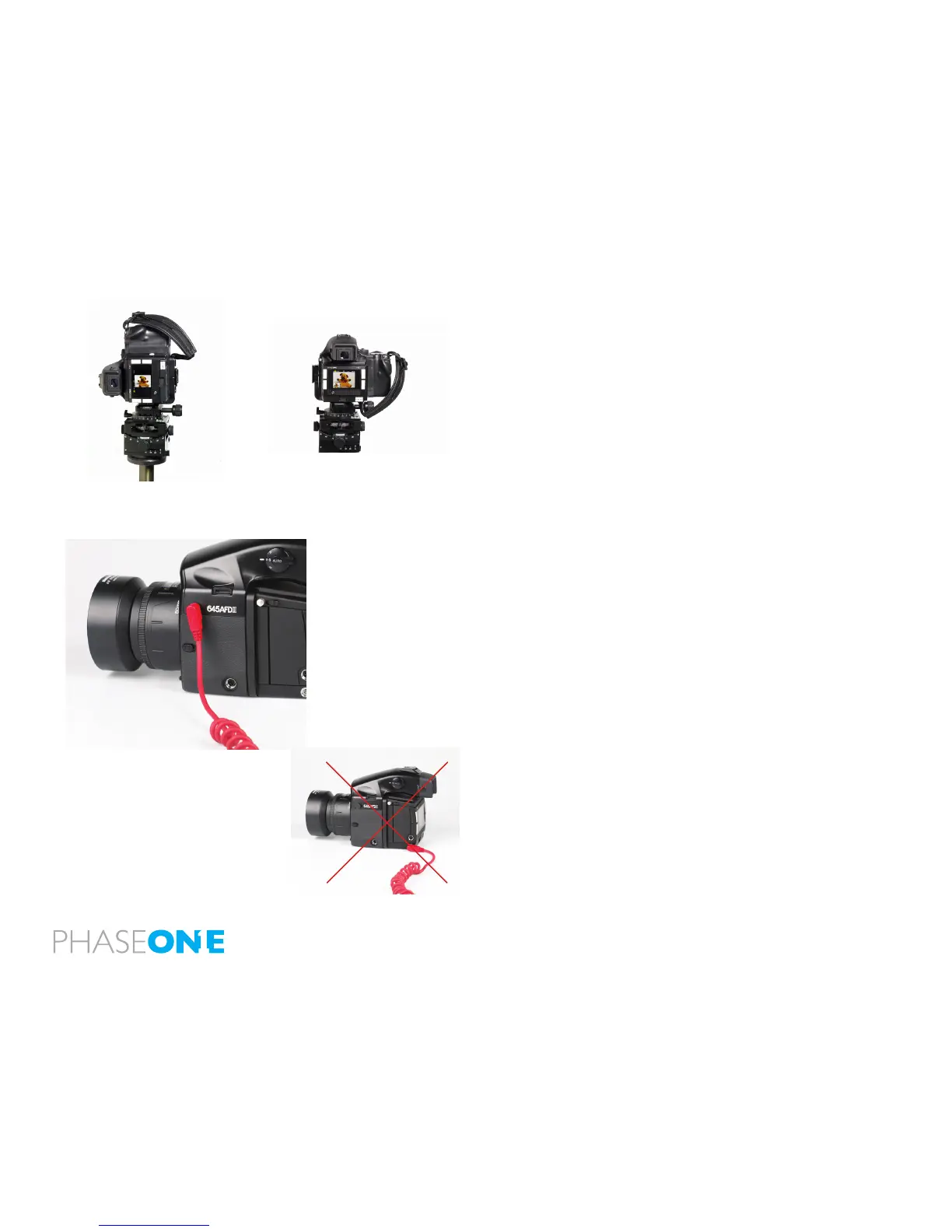
The CCD in the P+ back is positioned in landscape orientation.
Whenever an image is captured in portrait position, by rotating the
camera, an internal sensor detects this new position and the image
will appear as a correctly oriented image on the LCD display and in the
Capture One application.
Studio flash sync on the camera body
When using the P 65+ back on Phase One 645 AF, Mamiya AFD, AFDII or
AFDIII body, the ash sync should be connected to the camera body.
Always use ash cables and equipment that provides grounding for the
ash.
Camera orientation: Images can be captured in all three positions – and will appear with
the correct orientation on the LCD or in the Capture One software.



 To Next Page