46
9.3 Configuration
Conguration is used to setup general settings and perform general
tasks on the P 65+ back.
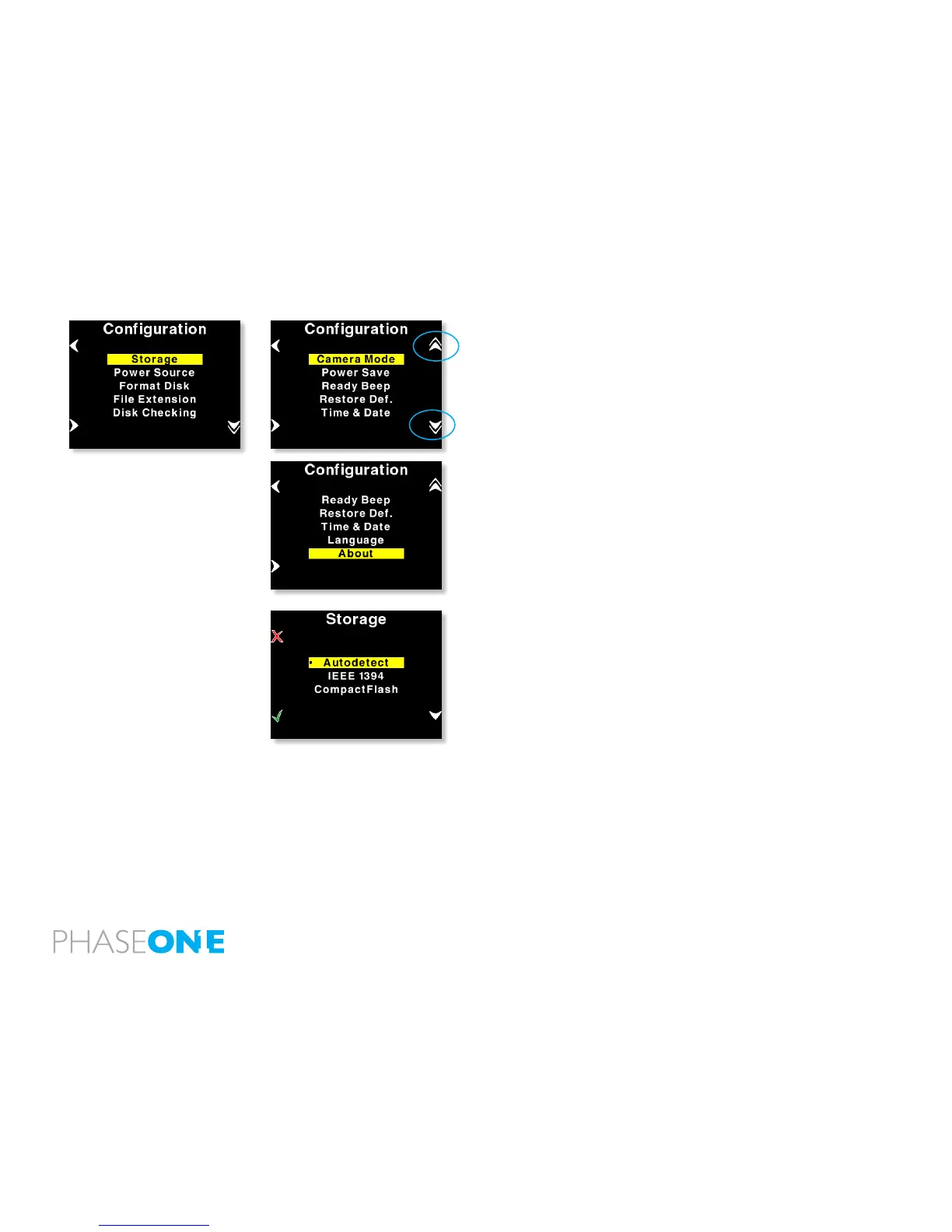
Conguration contains more menu entries than can be displayed on
one screen. This is indicated by a double arrow pointing down on the
right side.
As shown here, scrolling past the last menu entry will reveal the next
entry. Now the arrow in the top right side will turn into a double arrow,
to indicate that there are hidden entries at the top.
Storage
Storage allows you to congure how P 65+ should store the captures
created.
Autodetect is the default setting of Storage.
If a card is inserted in the P 65+ back while on autodetect mode P
65+ will still prioritize the FireWire (Capture One connection) and then
secondarily use the memory card
If this option is set to Autodetect and both FireWire and CF-card are
available, FireWire will be chosen as default.
P 65+ can also be forced to shoot to either Compact Flash or IEEE
1394/FireWire by selecting the options inside Storage.



 To Next Page