45
Display Style
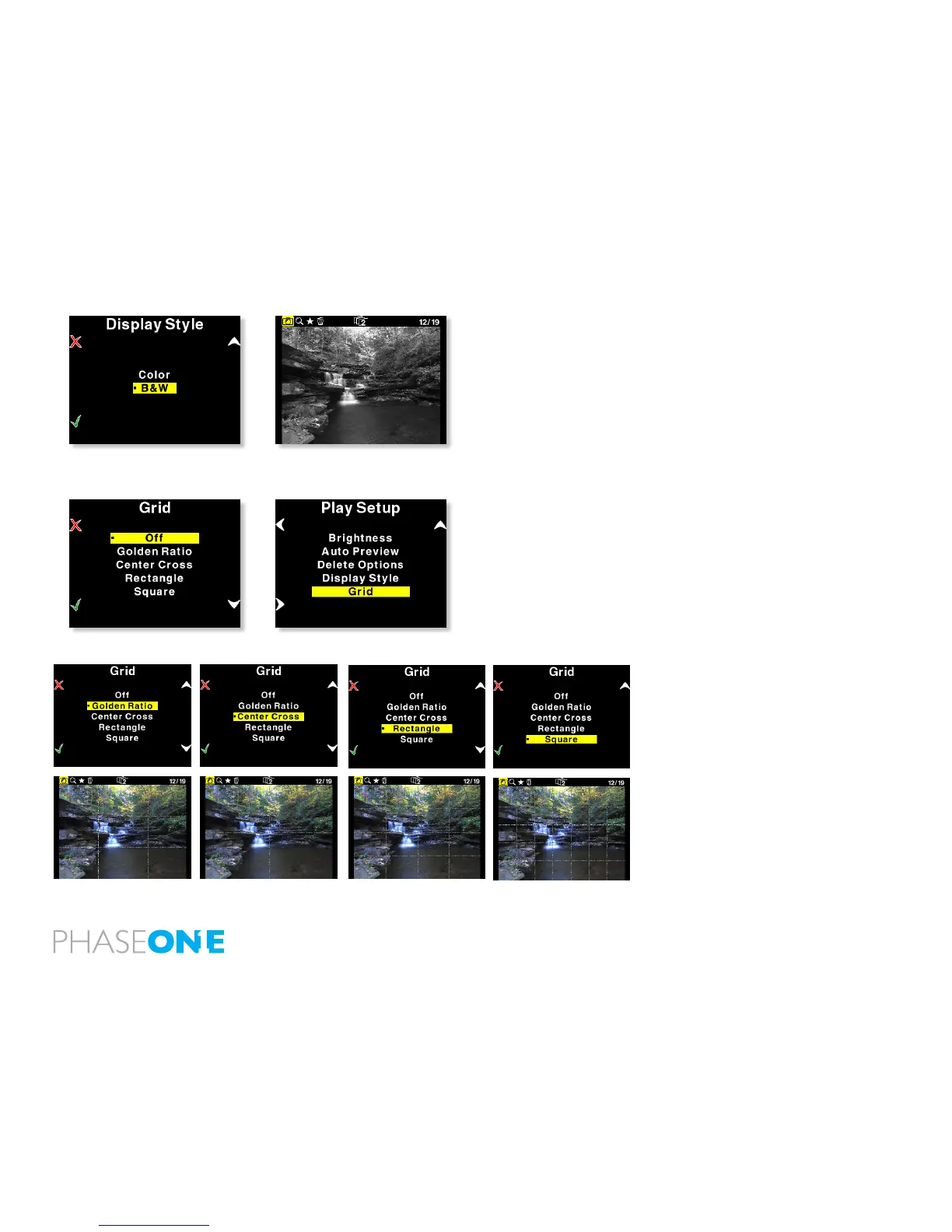
Display Style allows you to switch the captures showed on the display
to Black and White, instead of the color RGB signal.
It is important to emphasize that P 65+ while showing BW on the LCD
display, the captures are still RGB.
Grid
You can add grid to the viewed captures, especially architectural
photographers will nd great benet in this feature.
Choose between Off, Golden Ratio, Center Cross, Rectangle and
Square.



 To Next Page