44
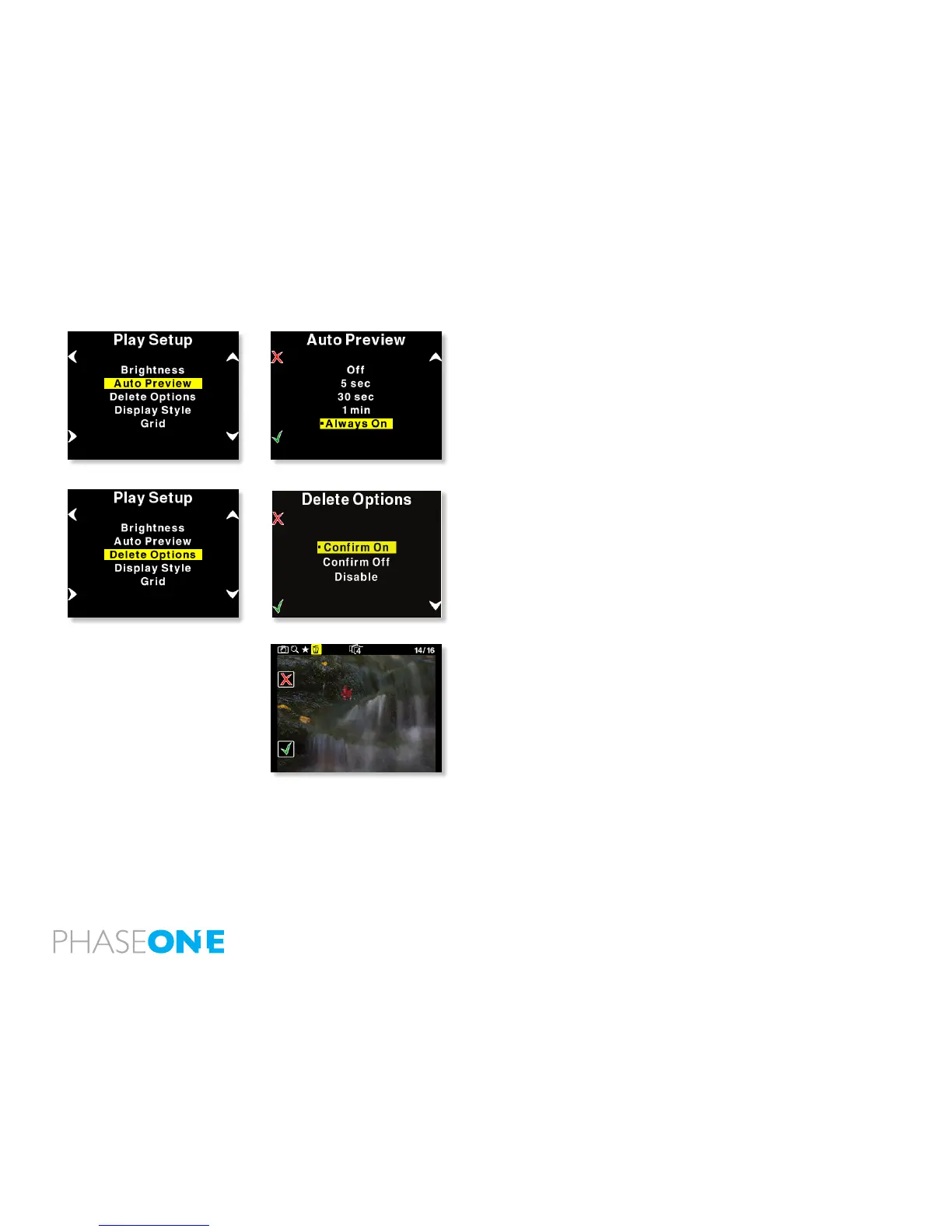
Auto Preview
The second option in Play Setup is Auto Preview.
Auto Preview refers to the amount of time the image remains on the
screen after capture.
Default setting is 5 seconds allowing a quick look at the capture.
If Auto Preview is set to “Off” the preview will not be shown automatically
after capture.
Note - If a button is touched during the auto preview period, the preview
will remain on and the time-out will be disabled until next capture.
Delete options
There are three delete options: “Conrm On”, “Conrm Off” and
“Disable”.
In Delete options you can setup whether you want an extra conrmation
when you delete images (Conrm On - Default), delete images
immediately (Conrm Off ), or you can disable deleting of images on
the P+ back to avoid unintended loss of images.



 To Next Page