49
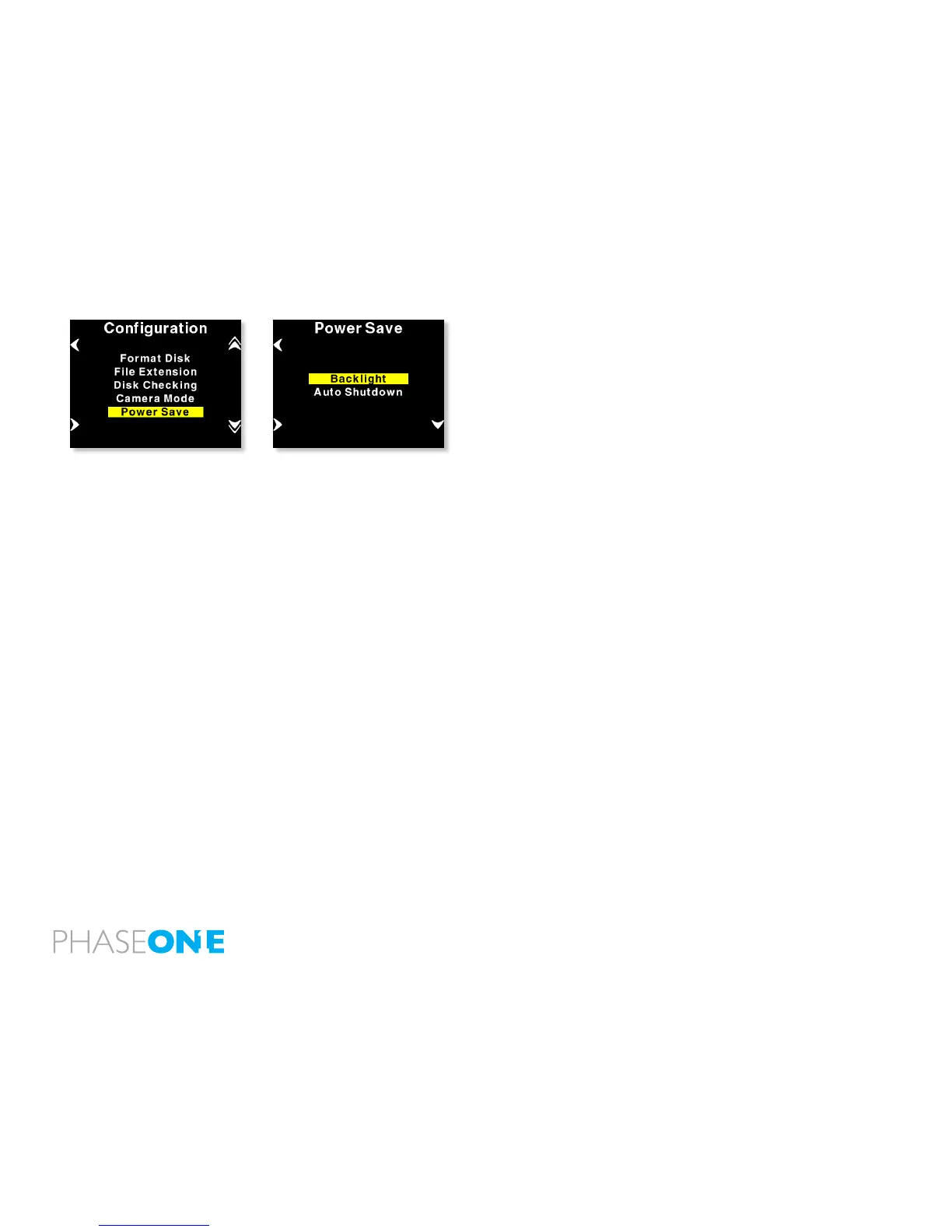
Power Save
Power Save has two options “Backlight” and “Auto Shutdown”.
Backlight is used to control the duration of backlight illumination.
If no action is detected the backlight will, by default, dim after 5
minutes.
This can be changed to 1 min, 20 sec. or 5 sec. using the backlight
menu.
Auto Shutdown determines the amount of time before the P+ back
shuts down, when there is no activity.
If the P 65+ back automatically shuts down it can only be woken up by
pressing the “Power” button.



 To Next Page