52
About the P+ Back
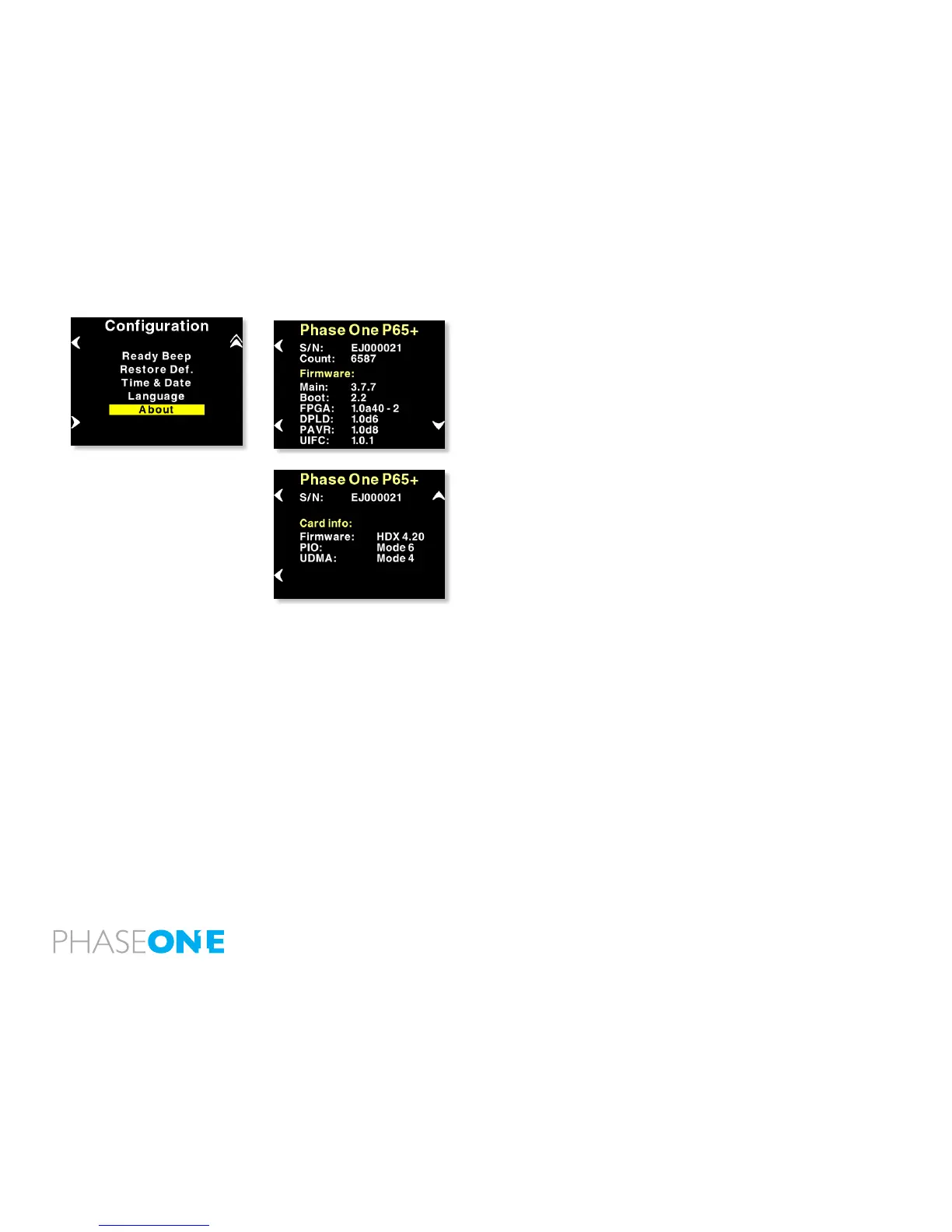
The “About” option in the “Setup Menu” displays technical information
about the hardware and embedded software (“Firmware”) in the camera.
This is especially useful if support is needed or if you want to check if
Phase One is offering a newer rmware for your camera.
Firmware might be made available in the download section at www.
phaseone.com
Before contacting your dealer or Phase One Support please make sure
to have access to the “About “box or write down the entire contents of
the “About” box.



 To Next Page