94
94
7. Troubleshooting.
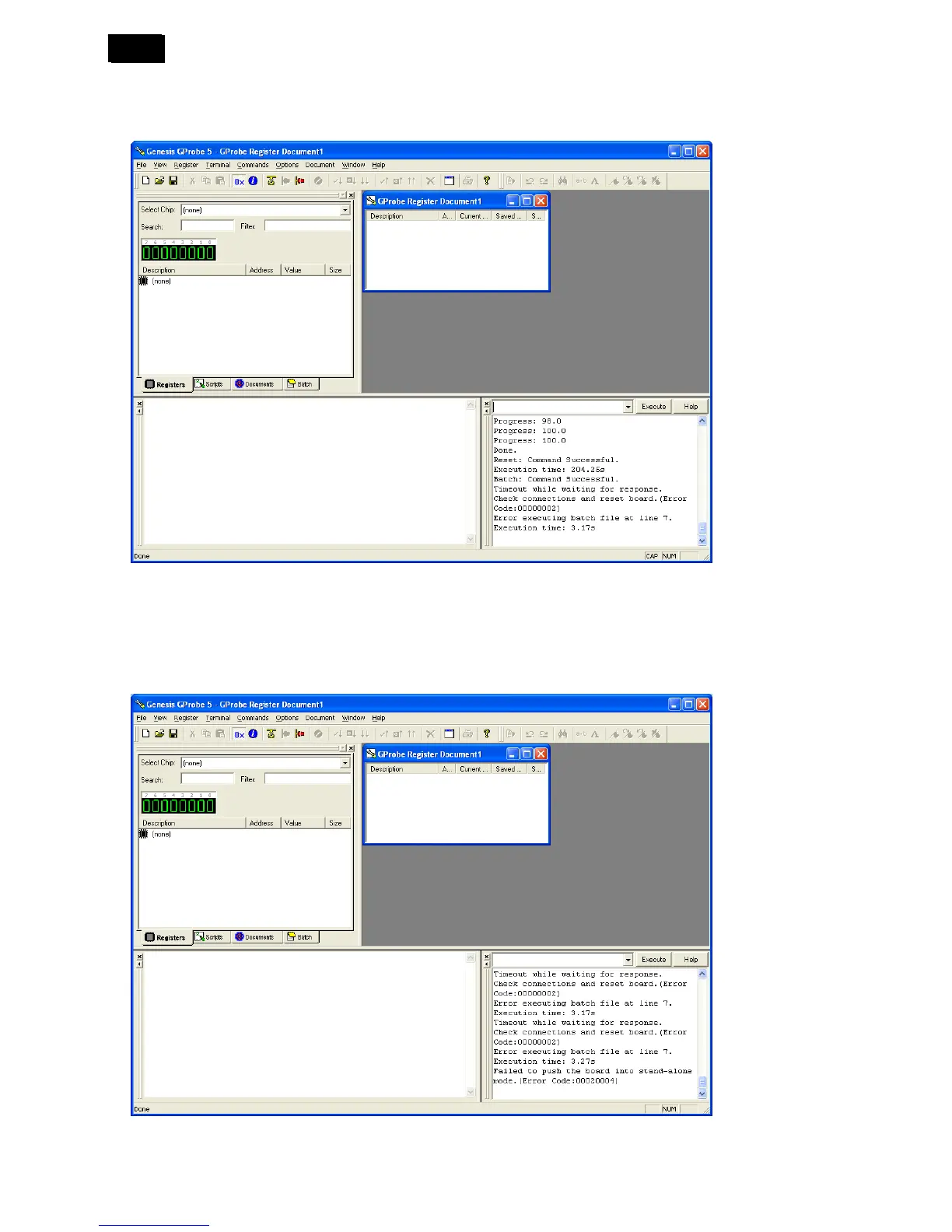
1) Error executing batch file at line 7.
The way to cure the error is to modify the “.hex” path correctly as steps3.2.
2) Failed to push the board into stand-alone mode error.
a) The way to cure it is to AC off the PD and type in “forcesa 10” then click “Execute”. AC on the PD during the
state column is gray.
b) Maybe you connect cross RS232 cable to the serials output port. Please change it to the serials input port.
c) You must choose the cross RS232 not the parallel RS232 cable
3) Check Device Manager setting.












 To Next Page