CLASS NO.
All rights strictly reserved. Reproduction or issue
to third parties in any form whatever is not permitted
without written authority, from the proprietors. .
NAME
2838 100 05424
TY
CHECK
SUPERS.
DATE
Property of
PHILIPS ELECTRONICS INDUSTRIES (TAIWAN) LTD.-C.E.
10
A4
0.9 BDL3245E/BDL4245E/BDL4645E
32”/42”/46” FHD LCD PUBLIC DISPLAY
2011-07-01 PHILIPS Page 11 of 38
MMD Con
idential
Test 2
Surge Point Voltage Time EUT Status
Line1 to Line2 ±5kV 5 Power OFF
Line1 to GND ±6kV 5 Power ON, Not input signal
Line2 to GND ±6kV 5 Power ON, Not input signal
Order of test
1: Pre-check: Check performance & function before test.
2: Insulation Resistance & Dielectric Strength Test (1)
3: Power Line Surge (1): Test1
4: Re-check: Check performance & function after test1.
5: Insulation Resistance & Dielectric Strength Test (2)
6: Power Line Surge (2): Test2
7: Insulation Resistance & Dielectric Strength Test (3)
1-5 Test Criteria:
Test1: Power Line Surge (1) -- Normal Operating Test
(1) There must not be failure, deterioration of performance and function.
(2) In the case that abnormal phenomenon happened, user must be able to recover that easily
by themselves.
(3) Insulation Resistance & Dielectric Strength Test (2) must be OK.
Test2: Power Line Surge (2) – SAFETY test
(1) There must not be failure for safety, such as fire, smoke, electric shock.
(2) Insulation Resistance & Dielectric Strength Test (3) must be OK.
And then, insulation resistance value must be following criteria.
Insulation resistance value before test: R1
Insulation resistance value after test: R2
R2 ≧ R1 x 0.1
Surge spec is L-N: 1KV, L-GND, N-GND: 2KV -->no damage
L-N: 5KV, L-GND, N-GND: 6KV -->no safety issue (such as fire, smoke, electric shock).
2.6 User Control Interface
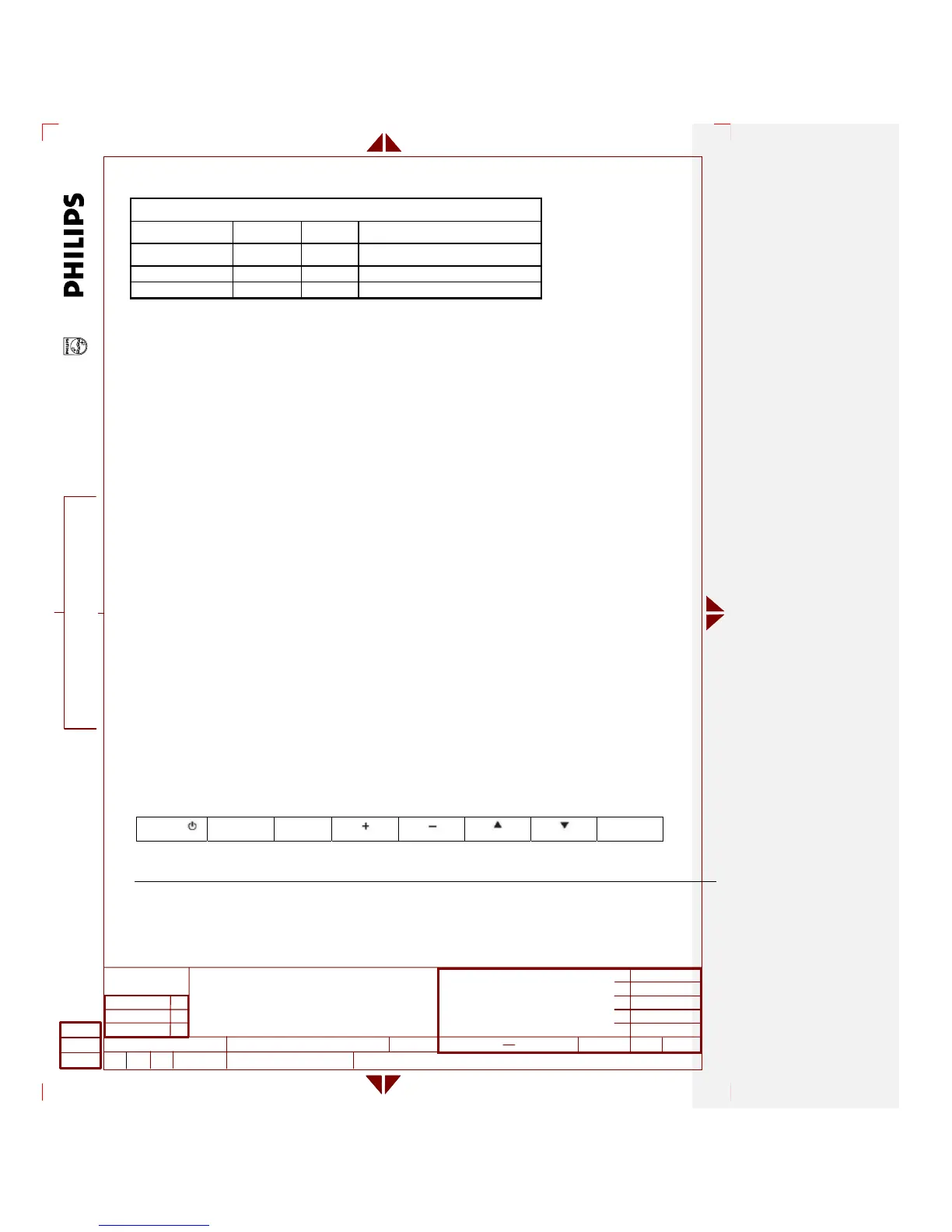
Controlled via top control keypads or remote control or RS-232. or RJ-45 or HDMI
2.6.1 Hidden controls
MUTE INPUT
MENU
Note: all keys are located at the back of the display bezel.
MENU: To return to previous menu while OSD menu is on or to activate the OSD menu when the OSD menu is off
CHANNEL ▲/▼: Navigate through OSD depending on mode.
VOLUME +/-: Change Volume or navigate through OSD depending on mode.












 To Next Page