E9480UD_EN.qx3 04.7.22 8:26 PM Page 33 <_
On-screen Symbols,Status Box 33
On-screen Symbols
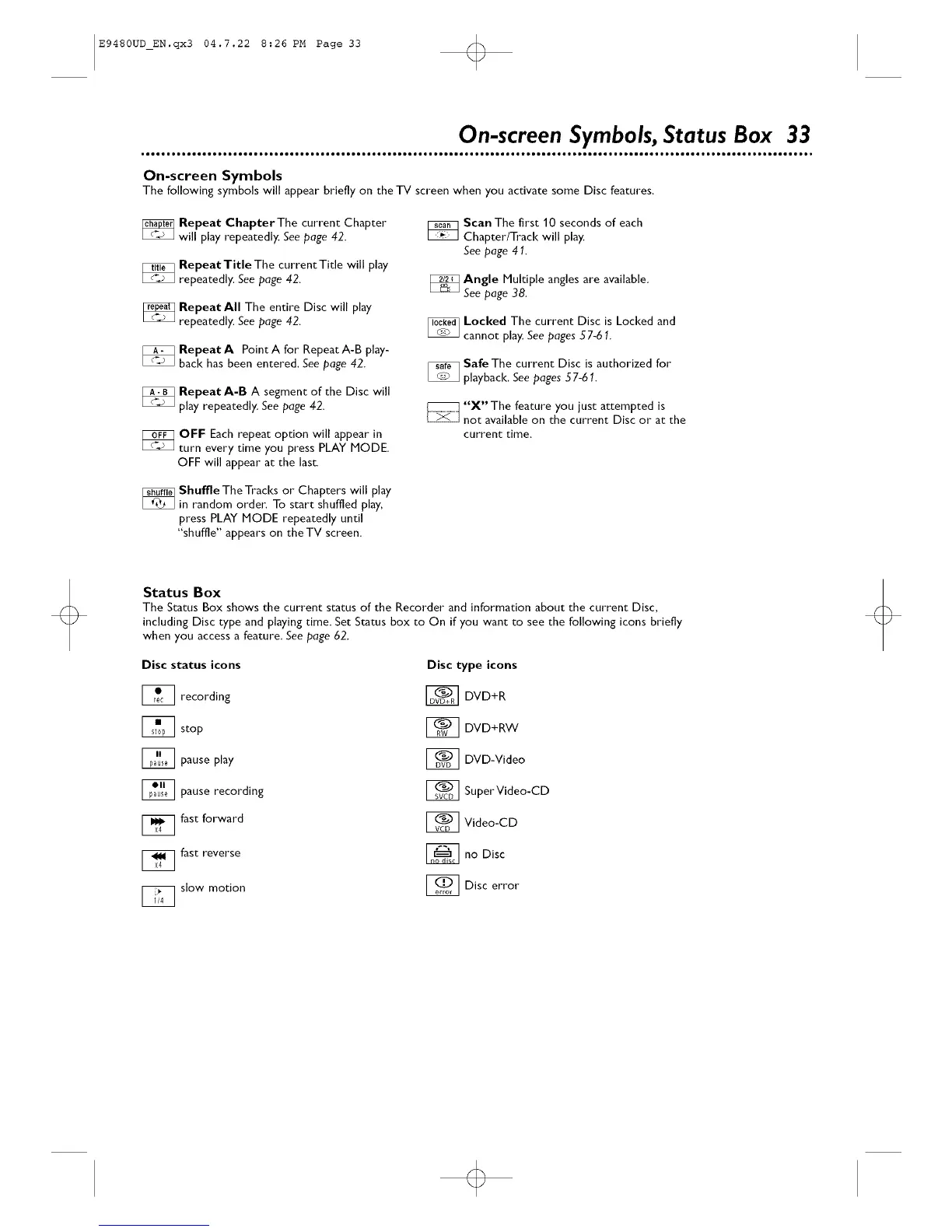
The following symbols will appear briefly on the TV screen when you activate some Disc features,
_ Repeat Chapter The current Chapter
will play repeatedly. See page 42.
_ RepeatTitle The current Title will play
repeatedly. See page 42.
_ RepeatAII The entire Disc will play
repeatedly. See page 42.
_ RepeatA PointA for RepeatA-B play-
back has been entered. See page 42.
_ RepeatA-B A segment of the Disc will
play repeatedly. See page 42.
_OFF Each repeat option will appear in
turn every time you press PLAY MODE.
OFF will appear at the last.
_ huffle The Tracks or Chapters will play
in random orde_: To start shuffled play,
press PLAY MODE repeatedly until
"shuffle" appears on the TV screen.
_Scan The first 10 seconds of each
Chapter/Track will play,
See page 41.
_ Angle Multiple angles are available.
See page 38
_ Locl<ed The current Disc is Locked and
cannot play, Seepages 57-61.
_Safe The current Disc is authorized for
playback, See pages 57-61.
_"X" The feature you just attempted is
not available on the current Disc or at the
current time.
Status Box
The Status Box shows the current status of the Recorder and information about the current Disc,
including Disc type and playing time. Set Status box to On if you want to see the following icons briefly
when you access a feature. See page 62.
Disc status icons
I_ recording
I_ stop
_ pause play
_ pause recording
1_1 fast forward
[_ fast reverse
_slow motion
Disc type icons
_ DVD+R
1_ DVD+RW
1_1 DVD-Video
1_1 Super Video-CD
1_1 Video-CD
_no Disc
_] Disc error
o













 To Next Page