E9480UD_EN.qx3 04.7.22 8:26 PM Page 77 ()
Automatic Operation Features 77
The following tape features are available in VCR mode. PressVCR so the
VCR light appears on the front of the Recorder, if necessary.
Automatic Rewind, Eject
When a tape is played, fast forwarded, or recorded to its end, the tape will
rewind to the beginning, stop, and eject itself.
Automatic Tracking Adjustment
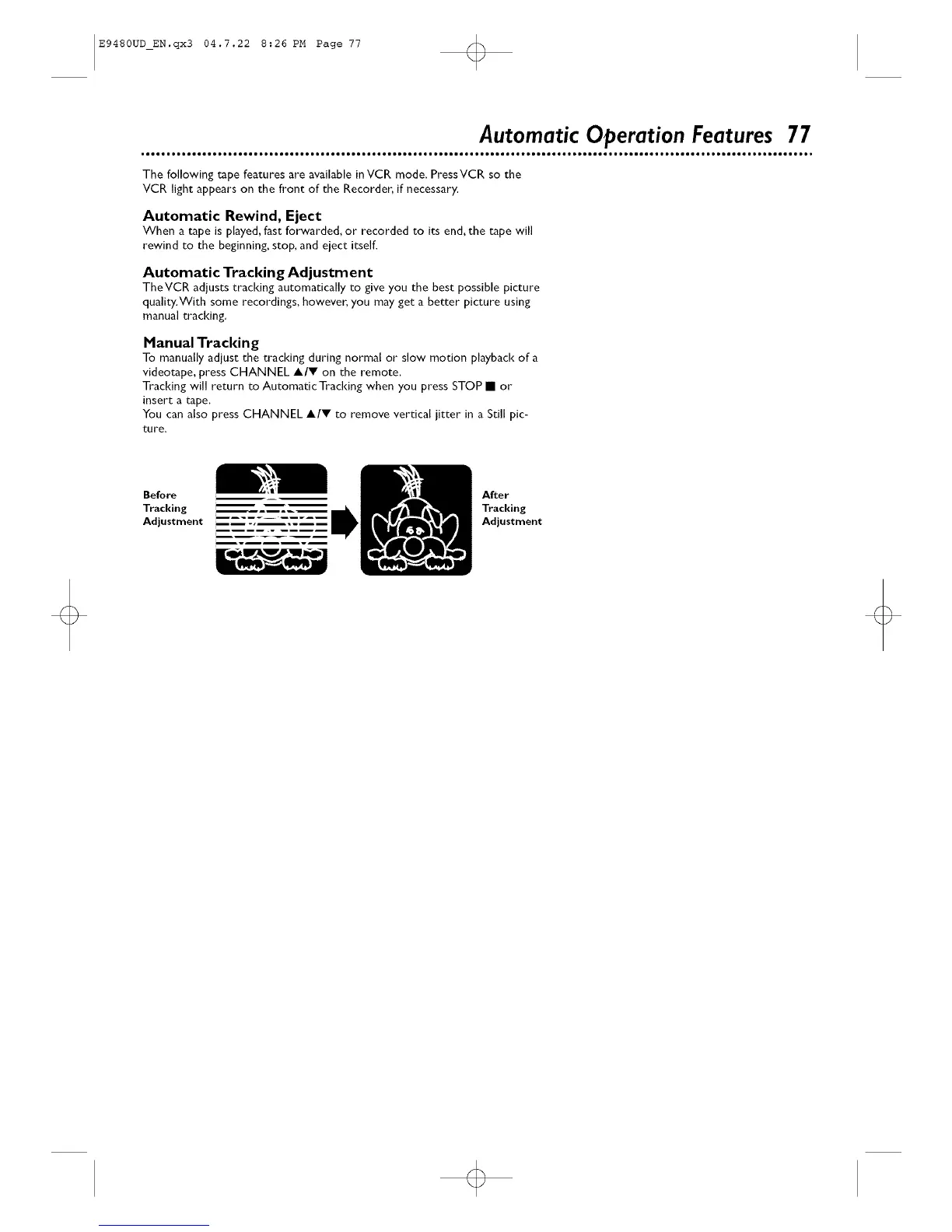
TheVCR adjusts tracking automatically to give you the best possible picture
quality.With some recordings, however, you may get a better picture using
manual tracking.
Manual Tracking
To manually adjust the tracking during normal or slow motion playback of a
videotape, press CHANNEL A/V on the remote.
Tracking will return to Automatic Tracking when you press STOP • or
insert a tape.
You can also press CHANNEL A/V to remove vertical jitter in a Still pic-
ture.
Before After
Tracking Tracking
Adjustment Adjustment
o













 To Next Page