E9480UD_EN.qx3 04.7.22 8:43 PM Page 52 <)
52 Record Settings
® Before you begin, make sure the Recorder is in DVD mode. Press DVD so
the DVD light appears on the front of the Recorder.
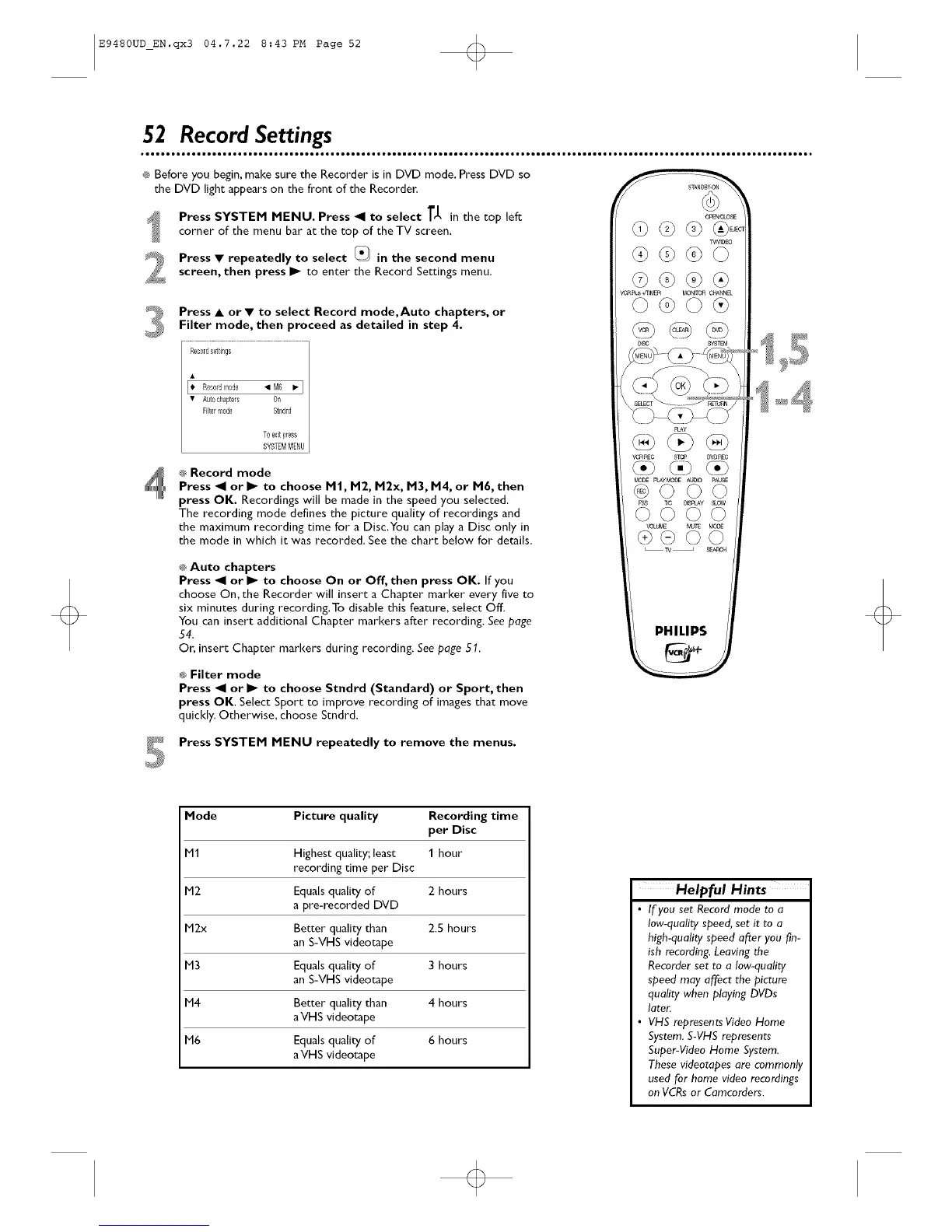
Press SYSTEM MENU. Press _1 to select T_, in the top left
corner of the menu bar at the top of the TV screen.
Press • repeatedly to select _ in the second menu
screen, then press I_ to enter the Record Settings menu.
Press • or • to select Record mode,Auto chapters, or
Filter mode, then proceed as detailed in step 4.
Rec01dseltings
I• Recordmode • M6 Ip I
• Autochapters Oil
Filtermode S1ndld
Toexitpress
SYSTEMMENU
® Record mode
Press _1 or I_ to choose M|, M2, M2x, M3, M4, or M6, then
press OK. Recordings will be made in the speed you selected.
The recording mode defines the picture quality of recordings and
the maximum recording time for a Disc,You can play a Disc only in
the mode in which it was recorded. See the chart below for details.
® Auto chapters
Press _1 or I_ to choose On or Off, then press OK. If you
choose On, the Recorder will insert a Chapter marker every five to
six minutes during recording.To disable this feature, select Off.
You can insert additional Chapter markers after recording. See page
54.
Or, insert Chapter markers during recording. See page 51.
® Filter mode
Press _1 or I_ to choose Stndrd (Standard) or Sport, then
press OK. Select Sport to improve recording of images that move
quickly. Otherwise, choose Smdrd.
PHILIPS
Press SYSTEM MENU repeatedly to remove the menus.
Mode Picture quality Recording time
per Disc
M1 Highest quality;least 1 hour
recording time per Disc
M2 Equals quality of 2 hours
a pre-recorded DVD
M2x Better quality than 2.5 hours
an S-VHS videotape
M3 Equals quality of 3 hours
an S-VHS videotape
M4 Better quality than 4 hours
aVHS videotape
M6 Equals quality of 6 hours
aVHS videotape
Helpful Hints
• If you set Record mode to a
low-quality speed, set it to a
high-quality speed after you fin-
ish recording. Leaving the
Recorder set to a low-quality
speed may affect the picture
quality when playing DVDs
later.
• VHS represents Video Home
System.S-VHS represents
Super-Video Home System.
These videotapes are commonly
used for home video recordings
on VCRsor Camcorders.













 To Next Page