E9480UD_EN.qx3 04.7.22 8:26 PM Page 49 <_
Record One Channel/Watch Another (DVD mode) 49
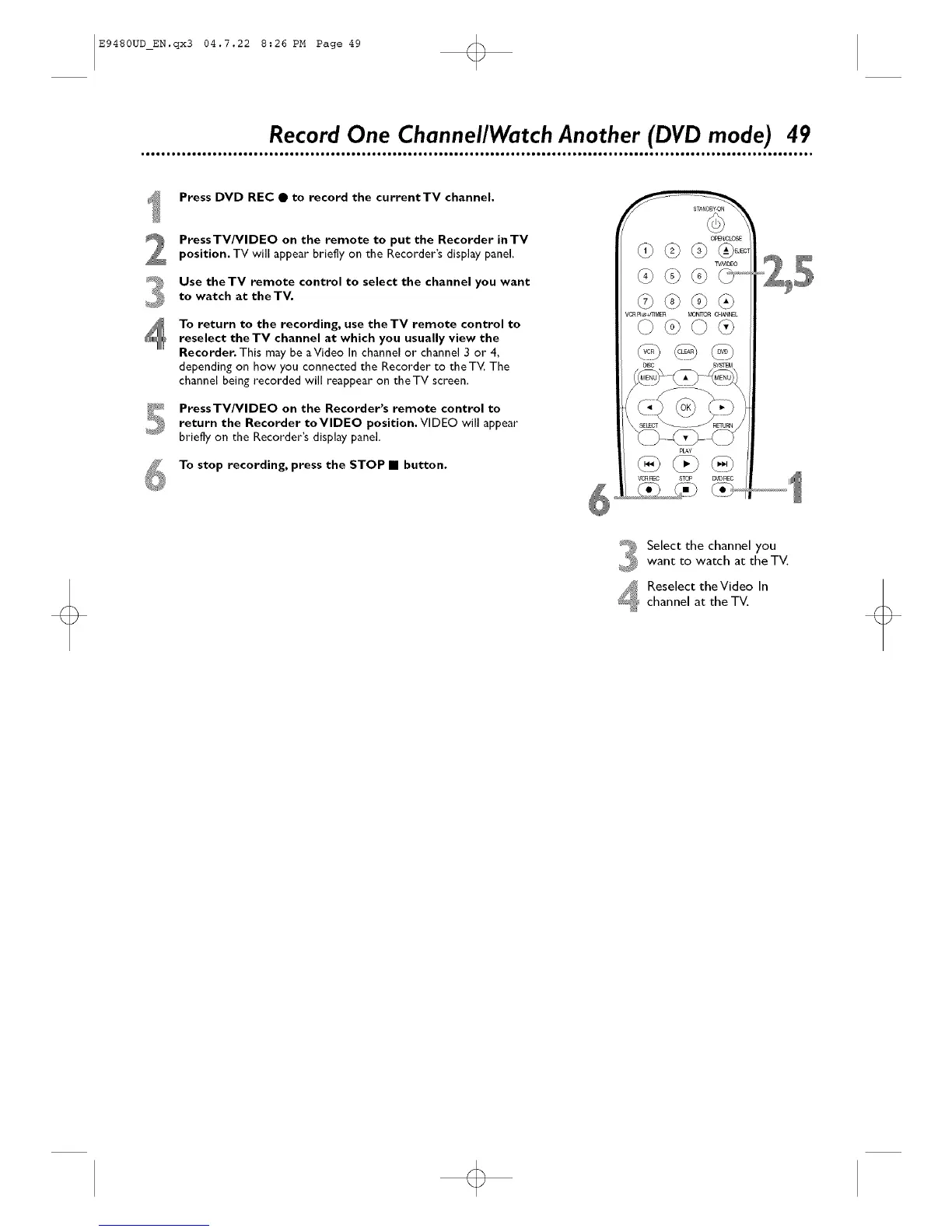
Press DVD REC • to record the currentTV channel.
PressTV/VIDEO on the remote to put the Recorder inTV
position, TV will appear briefly on the Recorder's display panel.
Use theTV remote control to select the channel you want
to watch at the TV.
To return to the recording, use the TV remote control to
reselect theTV channel at which you usually view the
Recorder. This may be aVideo In channel or channel 3 or 4,
depending on how you connected the Recorder to the TV. The
channel being recorded will reappear on the TV screen,
_I PressTV/VlDEO on the Recorder's remote control to
_ return the Recorder toVlDEO position. VIDEO will appear
briefly on the Recorder's display panel.
To stop recording, press the STOP • button.
OP EI_CLO,£,E
pCNDEO
VCR P4_MER MON_ C_L
VCRREC STC# D_,'DREC
(i7 ......
Select the channel you
want to watch at the TV,
Reselect theVideo In
channel at the TV,
o













 To Next Page