105724_en_01 PHOENIX CONTACT 5
Table of contents
1 General ......................................................................................................................................7
1.1 Introduction............................................................................................................7
1.2 Information about this document............................................................................7
1.3 Content of the ILC 131 STARTERKIT....................................................................7
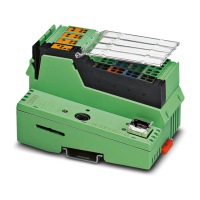
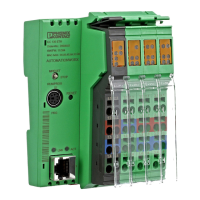
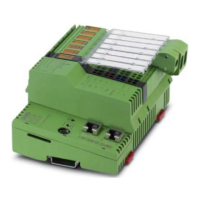
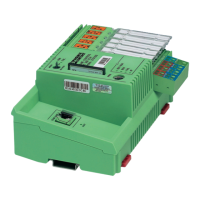
1.4 Components of the ILC 131 STARTERKIT ............................................................8
1.5 System requirements.............................................................................................9
1.5.1 Supported operating systems ................................................................9
1.5.2 Hardware requirements .........................................................................9
1.5.3 Programming software ...........................................................................9
1.5.4 Required firmware version .................................................................9
2 Installed hardware and startup .................................................................................................11
2.1 Installed hardware ...............................................................................................11
2.1.1 Structure of the starter kit .....................................................................11
2.1.2 Wiring the inputs ..................................................................................12
2.1.3 Establishing the Ethernet connection ...................................................13
2.2 Starting up the ILC 131 STARTERKIT .................................................................14
2.2.1 Connecting the supply voltage .............................................................14
2.3 Example projects .................................................................................................14
3 Installing the PC WORX EXPRESS software ...........................................................................15
3.1 Installing the software ..........................................................................................15
3.1.1 Prior to installation ............................................................................15
3.1.2 Starting the PC WORX EXPRESS installation program .......................15
3.1.3 Starting PC WORX EXPRESS .............................................................16
4 Helpful information about PC WORX EXPRESS ......................................................................17
4.1 Online help ..........................................................................................................17
4.2 The PC WORX EXPRESS user interface ............................................................17
4.3 Toolbars ..............................................................................................................18
4.4 Workspaces.........................................................................................................19
4.5 “Bus Structure” window........................................................................................22
4.5.1 Icons in the “Bus Structure” window .....................................................22
4.5.2 Display in the “Bus Structure” window ..................................................23
4.6 Compiling and transmitting a project and performing a cold restart .....................25
4.6.1 Compiling a project ..............................................................................25
4.6.2 Sending a project .................................................................................25
4.6.3 Performing a cold restart ......................................................................28
4.6.4 Compiling (additional information) ........................................................28



 To Next Page