General
105724_en_01 PHOENIX CONTACT 7
1 General
1.1 Introduction
The ILC 131 STARTERKIT is a combination of hardware and software. It contains all the
components you need in order to create and start up a basic ILC 131 ETH system.
1.2 Information about this document
Using an example project, this document helps you to install and parameterize a bus
configuration and to program the application program (according to IEC 61131).
It is assumed that the user has knowledge and experience in the operation of PCs,
Windows
®
operating systems, and knowledge of IEC 61131.
1.3 Content of the ILC 131 STARTERKIT
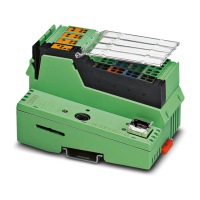
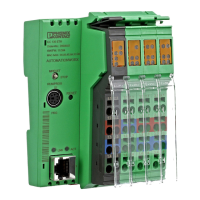
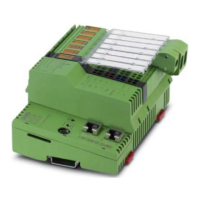
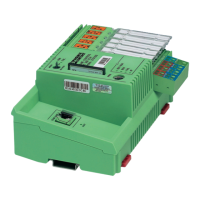
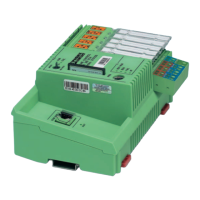
The ILC 131 STARTERKIT is assembled on a board and contains the ILC 131 ETH
including an analog input module. The starter kit hardware is completely assembled.
The assembly is supplied by the power supply unit provided. To operate the assembly,
simply connect the power supply unit to the ILC 131 ETH and to the supply voltage
(230 V AC socket) via the socket and connect the ILC 131 ETH to your PC via the Ethernet
cable provided.
For more detailed information about the hardware components, please refer to the
documentation for the components. The documentation is also included on the DVD
supplied with the ILC 131 STARTERKIT. It can also be downloaded from
phoenixcontact.net/products.
More detailed information about the individual functions of PC WORX EXPRESS can be
found in the online help for the program. The entire help function can be called via “Help”
in the menu bar. Help for specific functions can be called via F1.
This user manual describes the quickest way to start up. Since the INTERBUS
devices are read, a complete physical bus configuration is required.
No functions or commands that require communication with the controller can be
executed without a physical bus configuration. However, complete parameterization is
possible in the “offline” state. The application program can also be created and compiled.
Should you wish to proceed in this way, please refer to the Quick Start Guide for
PC WORX EXPRESS.



 To Next Page