ILC 131 STARTERKIT
80
PHOENIX CONTACT 105724_en_01
7.2 Loading the visualization on the controller
The DVD ILC 131 STARTERKIT includes a WebVisit example project
(FirstSteps_ILC131.exe). This visualization can be viewed once the project has been
downloaded to the controller using the WebVisit software.
To download the visualization project to the controller, proceed as follows:
• Save the compressed FirstSteps_ILC131.exe WebVisit project (web server project)
from the DVD ILC 131 STARTERKIT to your hard disk.
• Extract the file to the project directory of your WebVisit installation (standard installation
path: \Program Files (x86)\Phoenix Contact\Software Suite 181\WebVisit6\Projects).
To do this, double-click on the self-extracting “FirstSteps_ILC131.exe” file.
• Start WebVisit.
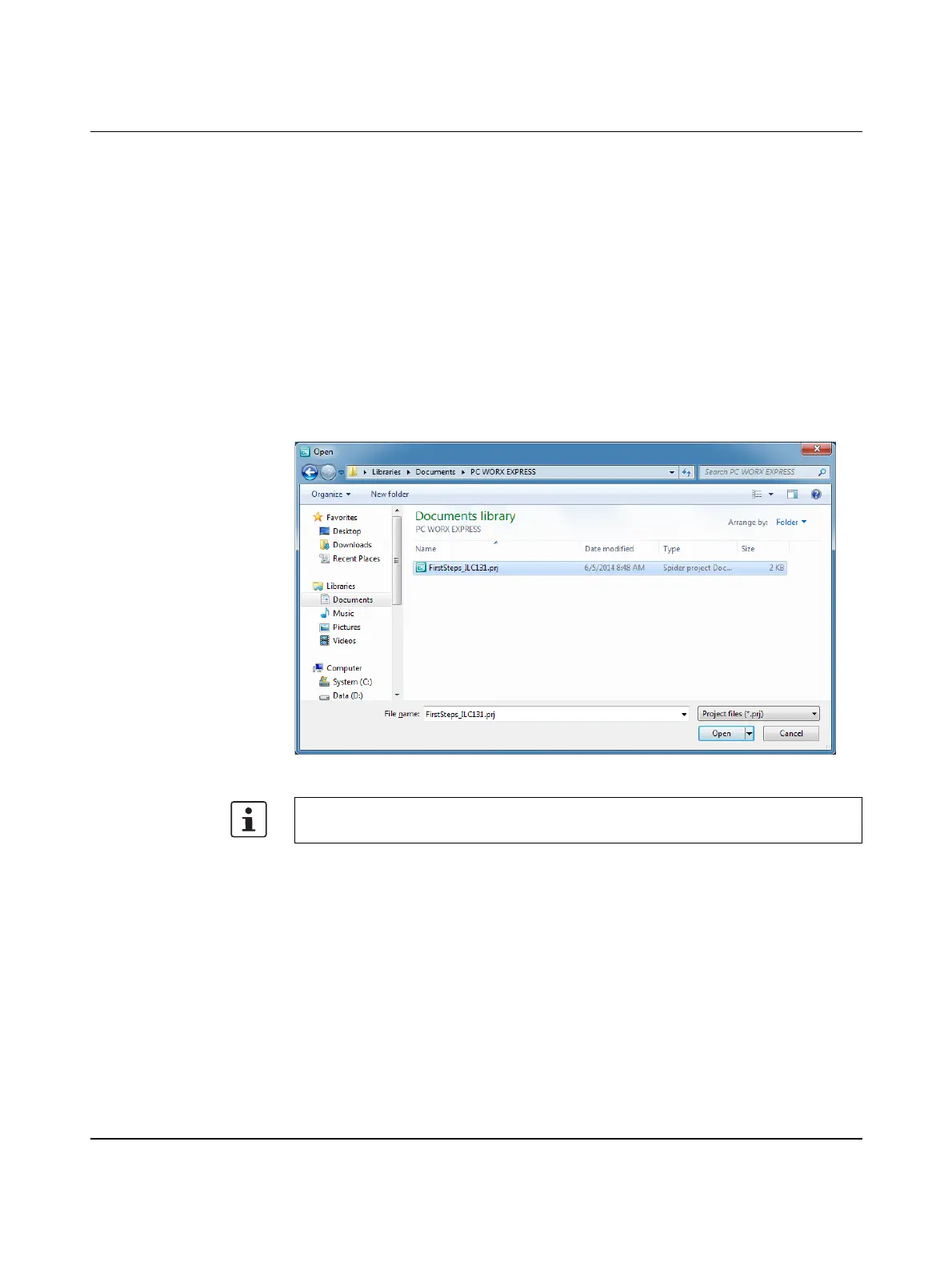
• Open the project (“FirstSteps_ILC131.prj” file) in WebVisit via the “File, Open project...”
menu item.
Figure 7-5 Opening the WebVisit project
• Confirm the error message with “OK”.
• Select the “Project, Project settings...” menu item and open the “Project, Advanced”
tab.
• Confirm any further error messages with “OK”.
If an error message is displayed indicating that WebVisit cannot open the “pdd.csv” file
when opening the WebVisit project, proceed as follows.












 To Next Page