EasyManua.ls Logo

Physio Control LIFEPAK 9 - Clock Setting Procedure

Physio Control LIFEPAK 9
214 pages
Print Icon
To Next Page IconTo Next Page
To Previous Page IconTo Previous Page
Loading...
LIFEPAK
9
defibrillator/monitor
Clock
Setting
To
set
the
clock
which
is
displayed
on
the
CRT
and recorder,
do
the
Procedure
following:
1.
Press
TIME/DATE
MODE
on
the
rear
panel
to
initiate
the
clock
setting
mode.
The
monitor
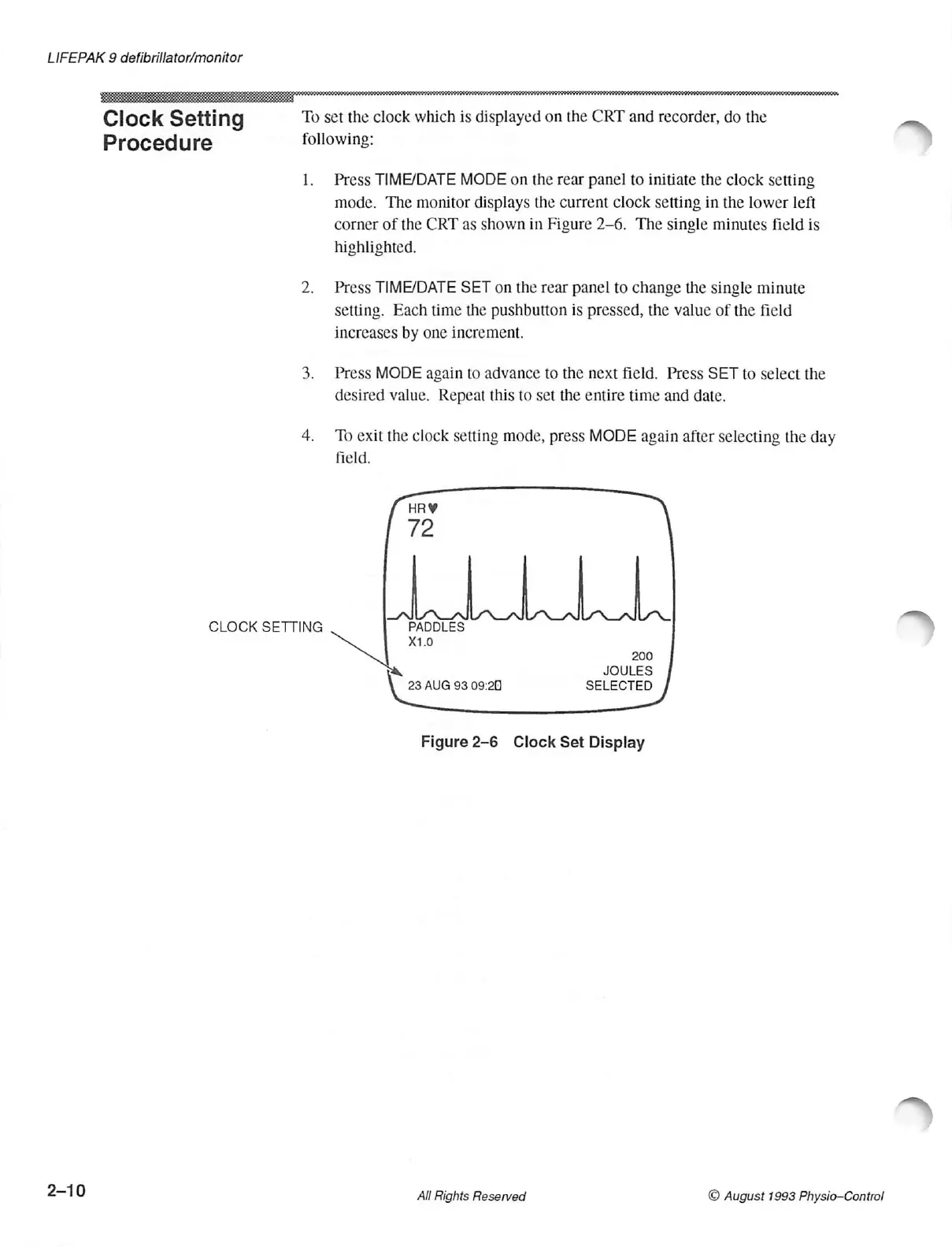
displays
the
current
clock
setting
in
the
lower
left
corner
of
the
CRT
as
shown
in
Figure
2-6.
The
single
minutes
field
is
highlighted.
2.
Press
TIME/DATE
SET
on
the
rear
panel
to
change
the
single
minute
setting.
Each
time
the
pushbutton
is
pressed,
the
value
of
the
field
increases
by
one
increment.
3.
Press
MODE
again
to
advance
to
the
next
field.
Press
SET
to
select
the
desired
value.
Repeat
this
to
set
the
entire
time
and
date.
4.
To
exit the
clock
setting
mode,
press
MODE
again
after
selecting
the
day
field.
CLOCK
SETTING
PADDLES
X1.0
200
JOULES
23
AUG
93
09:20
SELECTED
Figure
2-6
Clock
Set
Display
2-10
All
Rights
Reserved
©
August
1993
Physio-Control

Table of Contents

Other manuals for Physio Control LIFEPAK 9

Related product manuals