EasyManua.ls Logo

Physio Control LIFEPAK 9 - Page 66

Physio Control LIFEPAK 9
214 pages
Print Icon
To Next Page IconTo Next Page
To Previous Page IconTo Previous Page
Loading...
PIP-imV
CAL
PIP-CRT
Gain/Aspect
Ratio
PIP-Heart
Rate
170008-000
A
©
August
1993
Physio-Contro!
Testing
3
In
order
to
perform
this
test
the
LEADS
NOTCH
must
be
set
to
NO
and
the
recorder
must
be
set
to
DIAG
as
described
in
the
PIP-Setup
Menu
Settings
on
page
3-5.
1.
Confirm
that
the
STD
lead
remains
selected
from
the
previous
PIP
test
(press
LEAD
SELECT
if
necessary
to
select
STD).
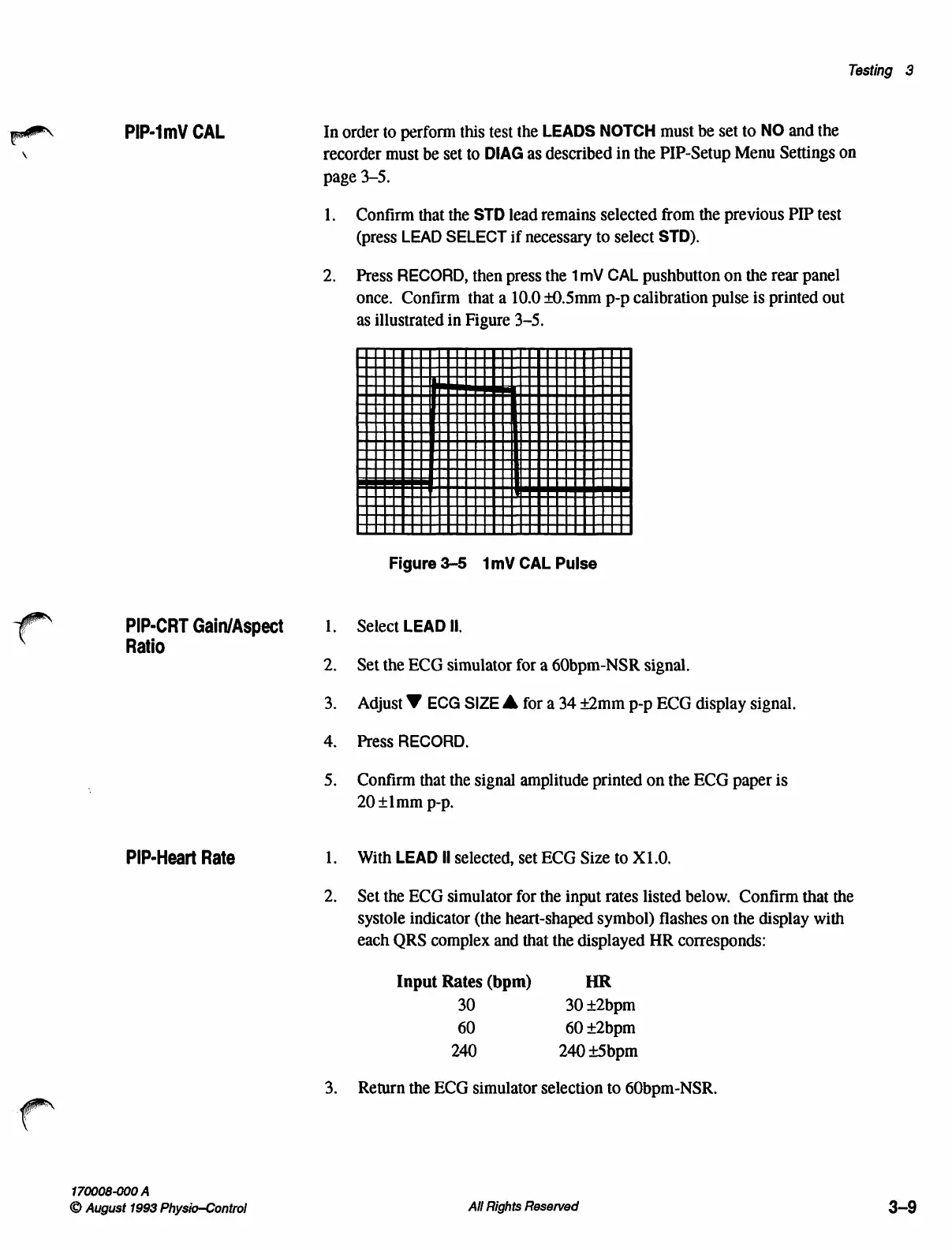
Press
RECORD,
then
press
the
1mV
CAL
pushbutton
on
the
rear
panel
once.
Confirm
that
a
10.0
+0.5mm
p-p
calibration
pulse
is
printed
out
as
illustrated
in
Figure
3-5.
Figure
3-5
1mV
CAL
Pulse
Select
LEAD
II.
Set
the
ECG
simulator
for
a
60bpm-NSR
signal.
Adjust
V
ECG
SIZE
A
for
a
34
+2mm
p-p
ECG
display
signal.
Press
RECORD.
Confirm
that
the
signal
amplitude
printed
on
the
ECG
paper
is
20
+imm
p-p.
With
LEAD
Il
selected,
set
ECG
Size
to
X1.0.
Set
the
ECG
simulator
for
the
input
rates
listed
below.
Confirm
that
the
systole
indicator
(the
heart-shaped
symbol)
flashes
on
the
display
with
each
QRS
complex
and
that
the
displayed
HR
corresponds:
Input
Rates
(bpm)
HR
30
30
+2bpm
60 60
+2bpm
240
240
+5bpm
Return
the
ECG
simulator
selection
to
60bpm-NSR.
All
Rights
Reserved
3-9

Table of Contents

Other manuals for Physio Control LIFEPAK 9

Related product manuals