BIP-6000
19
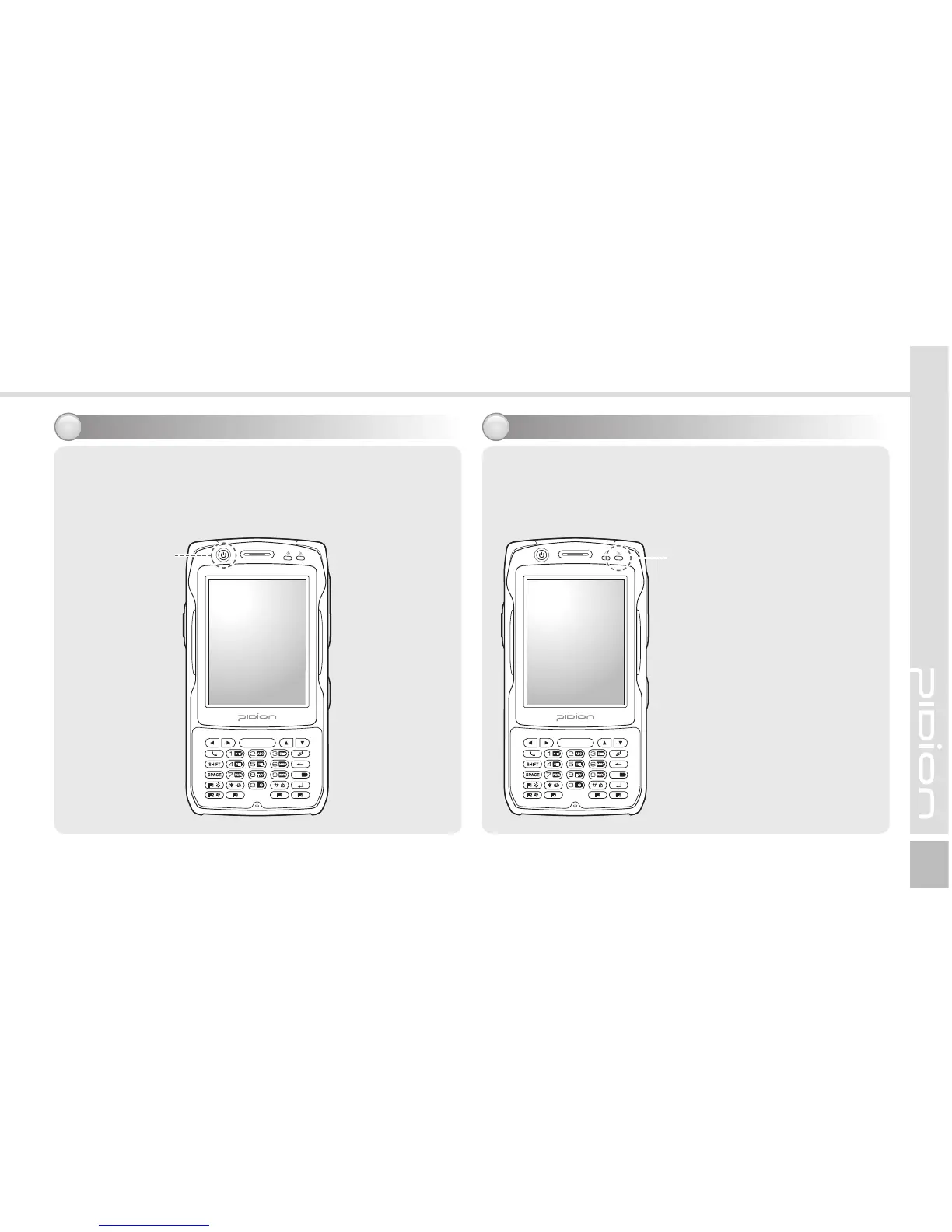
You can switch on/off power by pressing the [Power]
button on the upper part of the terminal.
Switching On/Off power
7
For the terminals which support WCDMA communication,
you can view the GSM or WCDMA 1xEVDO
communication status with the [Communication status
indication lamp] on the upper right side of the terminal.
For the terminals which
support GSM communication,
the lamp indicates the GSM
communication status.
For the terminals which
support WCDMA 1xEVDO,
the lamp indicates the WCDMA
1xEVDO communication status.
ö The wireless LAN status is
not indicated with the lamp.
Communication status indication
8
Power Button Communication status
indication lamp



 To Next Page