BIP-6000
25
Connecting ActiveSync
Installing ActiveSync
1
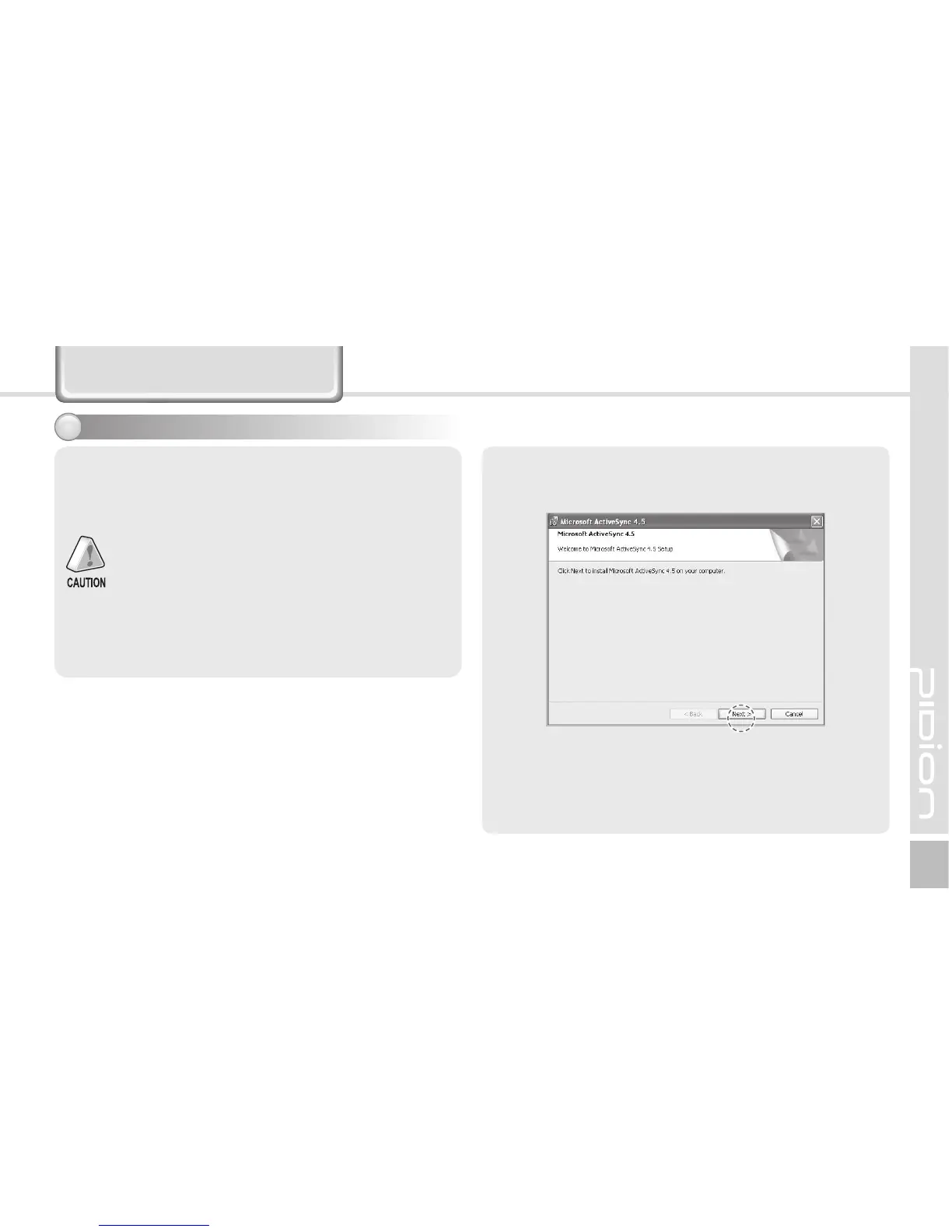
1 Download [Microsoft ActiveSync] from the website
of Microsoft, and install the program in the PC.
To connect the terminal with PC, you need to
install the [Microsoft ActiveSync] program in
your PC.
If the [MicroSoft ActiveSync] program is already
installed in your PC, you don’t need to install the
program again.
The screenshots are for the Korean version of
[Microsoft ActiveSync 4.5].
The images may vary depending on the version
of [Microsoft ActiveSync], but the functions are
the same.



 To Next Page