BIP-6000
43
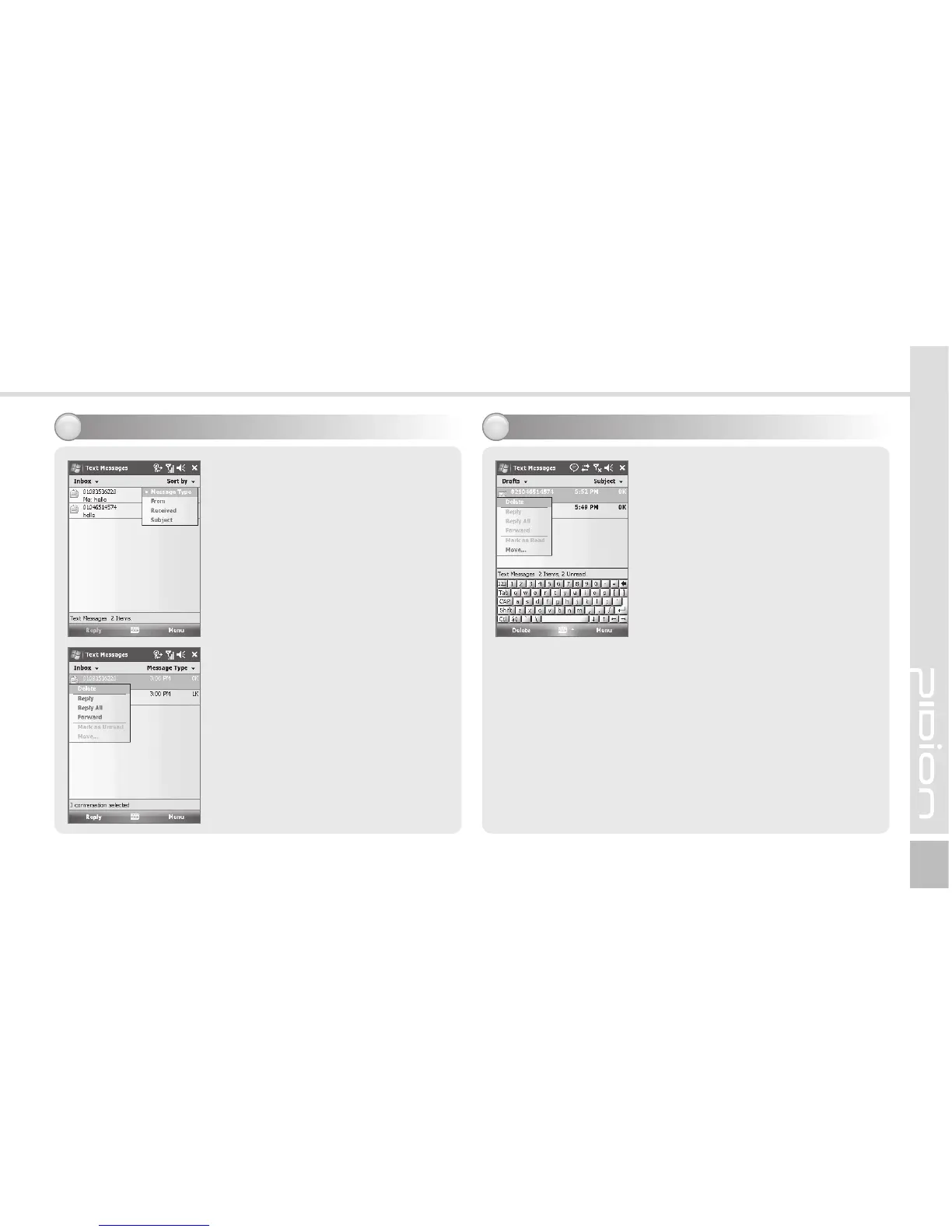
Viewing Text messages
3
Checking a text message from
‘Inbox’ folder.
Start ► Messaging ► Text
Messages ► Inbox
Choose receiving message from
Inbox to view the text message.
Tap Received the text message
at least 2 second to Reply/
Delect/forward.
A creating message will be
stored automatically in Draft
folder if error is occured in
sending a message.
Start ► Messaging ► Text
Messages ► Drafts
Tap the draft message at least 2
second to Reply/Delect/forward.
Tap the draft message to edit
the message and resend.
After sending a message,
the message will be removed
automatically from Drafts folder.
Managing Draft messages
4



 To Next Page