58
BIP-6000
Manual
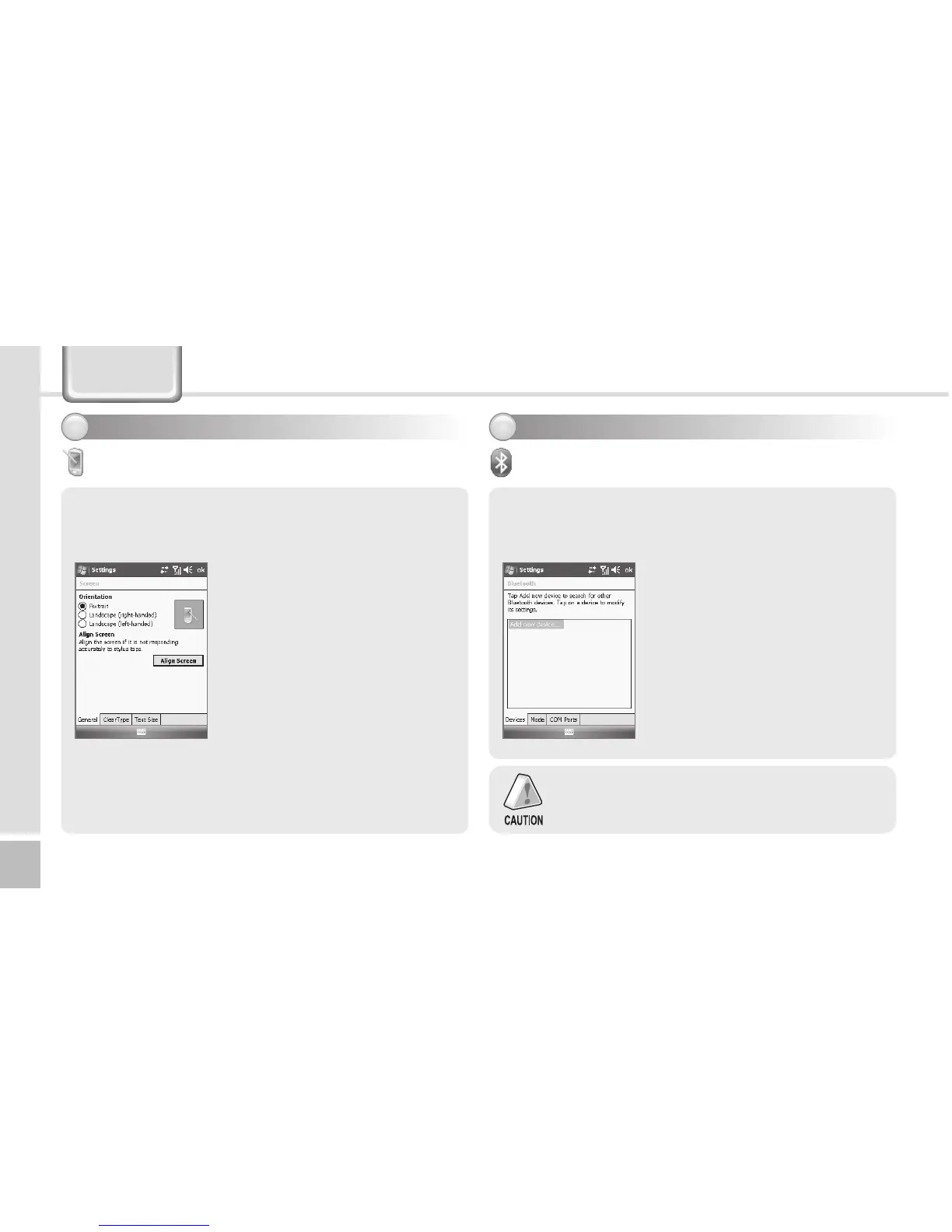
General Tab
Switch the screen to Portrait / Landscape (right-
handed) / Landscape (left-handed).
Start ► Settings ► System Tab
► Screen
If you select the [Align Screen]
button, you can reset the stylus
pen points.
See p.20 for details.
Text Size Tab
The text size displayed on the
screen can be set by 5 steps.
Screen
Devices Tab
Set the Bluetooth Device (Bluetooth printer, card
reader, etc.) for communication with the terminal.
Start ► Settings ►
Connections Tab ► Bluetooth
1 Search Bluetooth device
at near to select [Add New
Hardware].
2 Choose the Bluetoothe device
to connect and select [Next].
3Select[Finish]afterconrming
the chosen device name.
Setting connection environment
3
Bluetooth
Setting system environment - 3
2
Starting of Bluetooth device is depending on
the Bluetooth device model. Please refer to the
manual of the Bluetooth device.
Settings



 To Next Page