48
BIP-6000
Manual
Settings
Setting personal environment
1
Buttons
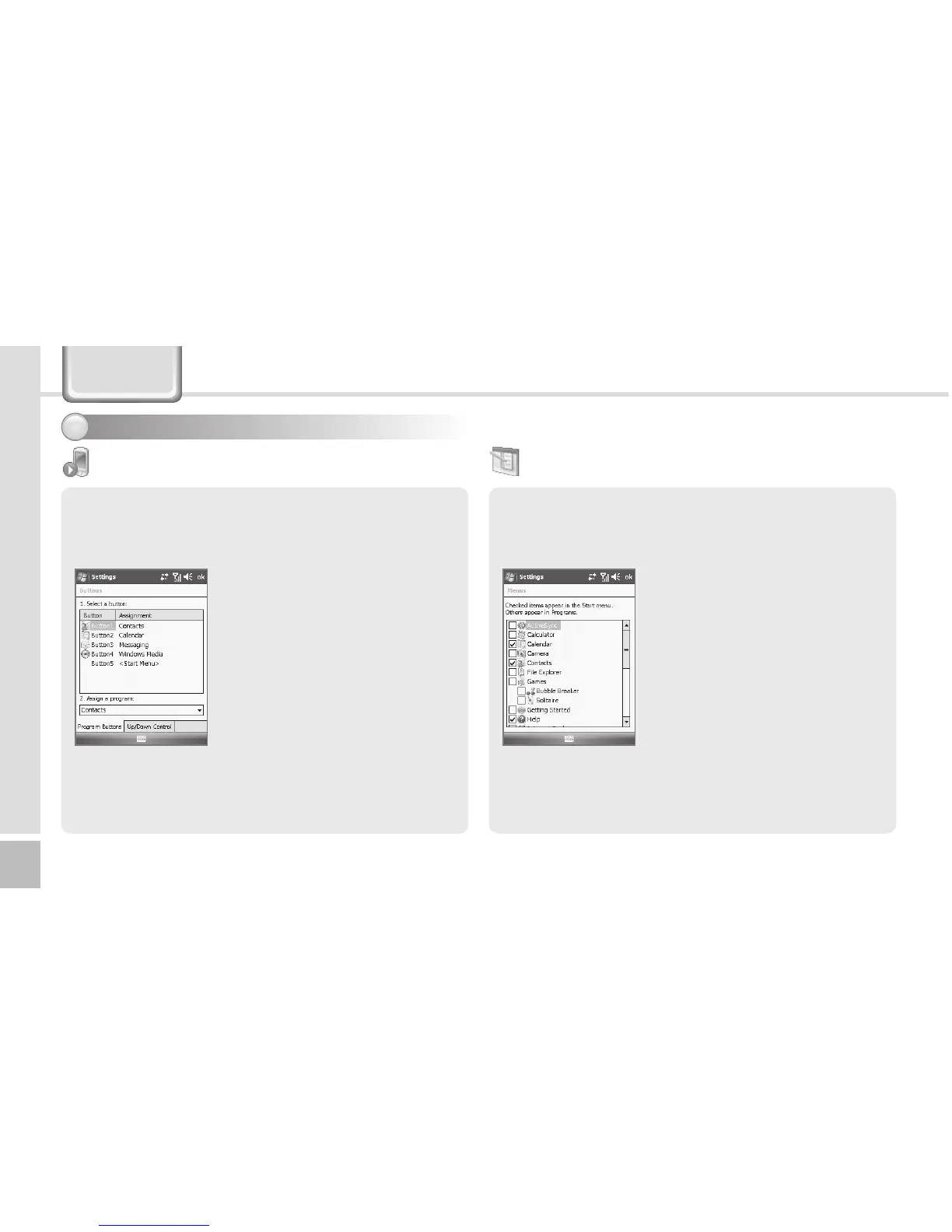
You can set the short-cut key functions for <F1 ~ F5>
buttons on the terminal.
Start ► Settings ► Personal
Tab ► Buttons
Setting short-cut key
allocation program
Select a button, and select the
program you wish to allocate to
the selected button.
Available programs
In addition to basic programs,
you can allocate all programs
installed by yourself.
You can register the frequently used programs in the
[Start] menu.
Start ► Settings ► Personal
Tab ► Menus
All the available programs are
displayed on the checklist. The
checked programs are indicated
on the [Start] menu on the title
bar. (You can check up to 7
programs.)
Menus



 To Next Page