BIP-6000
21
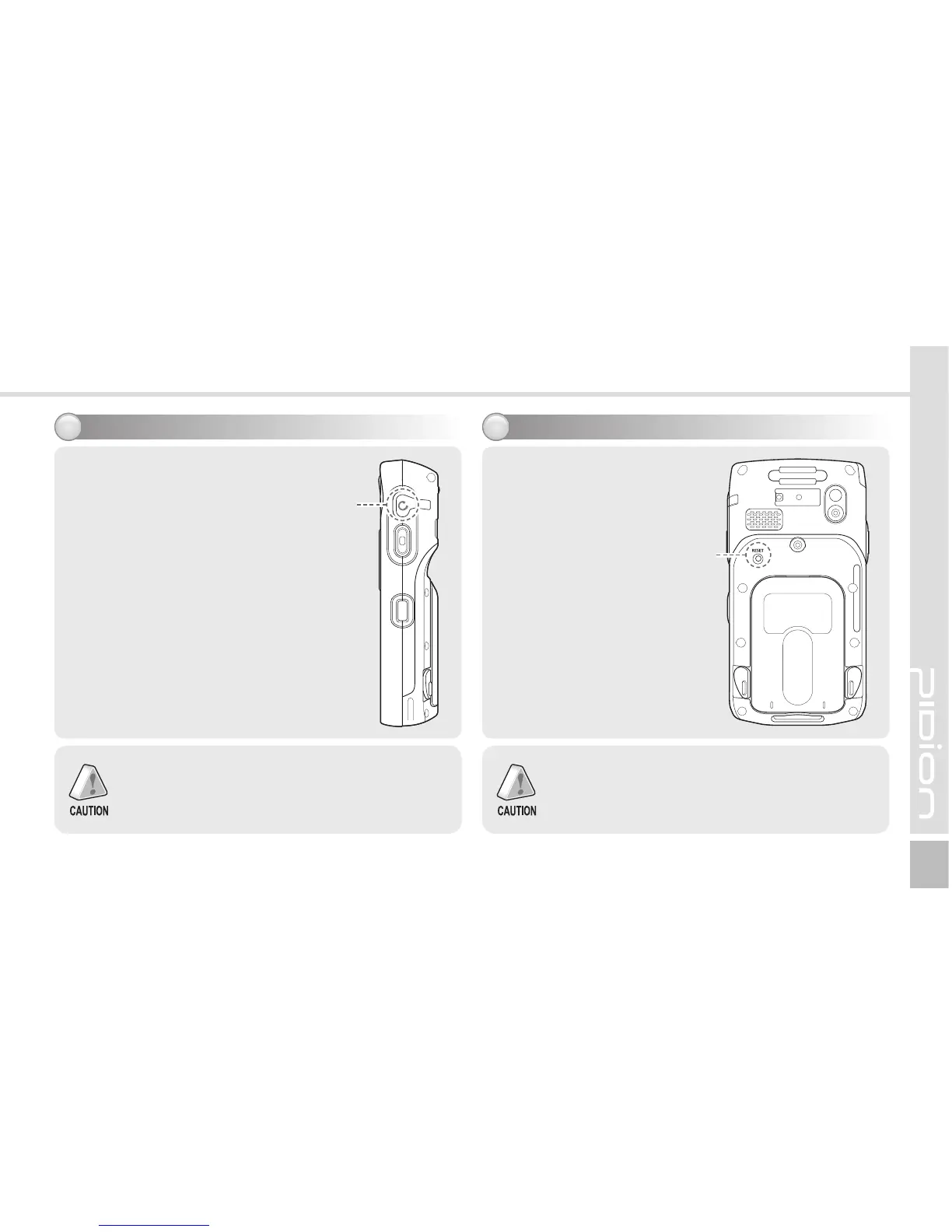
Using earjack
11
You can use an earphone by
removing the earphone cover
on the right top of the terminal
and inserting the earphone to
the jack.
Resetting terminal
12
Press the [Reset] button
on the back of the terminal
slightly with the stylus pen.
Reset button
If there is a collision between programs or a program
is stopped due to an unexpected situation, you
may use the soft reset function. It is like rebooting a
computer. Any information that is not saved is lost.
Earjack
cover
Earjacks are sold as optional items. Please
contact the Customer Care Center if you wish
to buy one.



 To Next Page