22
BIP-6000
Manual
Hard-resetting
13
To hard reset the terminal, you should press the
button and the button at the same time.
Hard-reset is used when the terminal doesn’t
respond to soft-reset. Hard-reset initializes the
terminal to factory default.
Note that hard-reset deletes all programs,
documents and settings in the memory (RAM).
Bluebird Soft assumes no responsibility for loss
of data and program. Therefore, you should
back up critical data and programs before hard-
resetting the terminal.
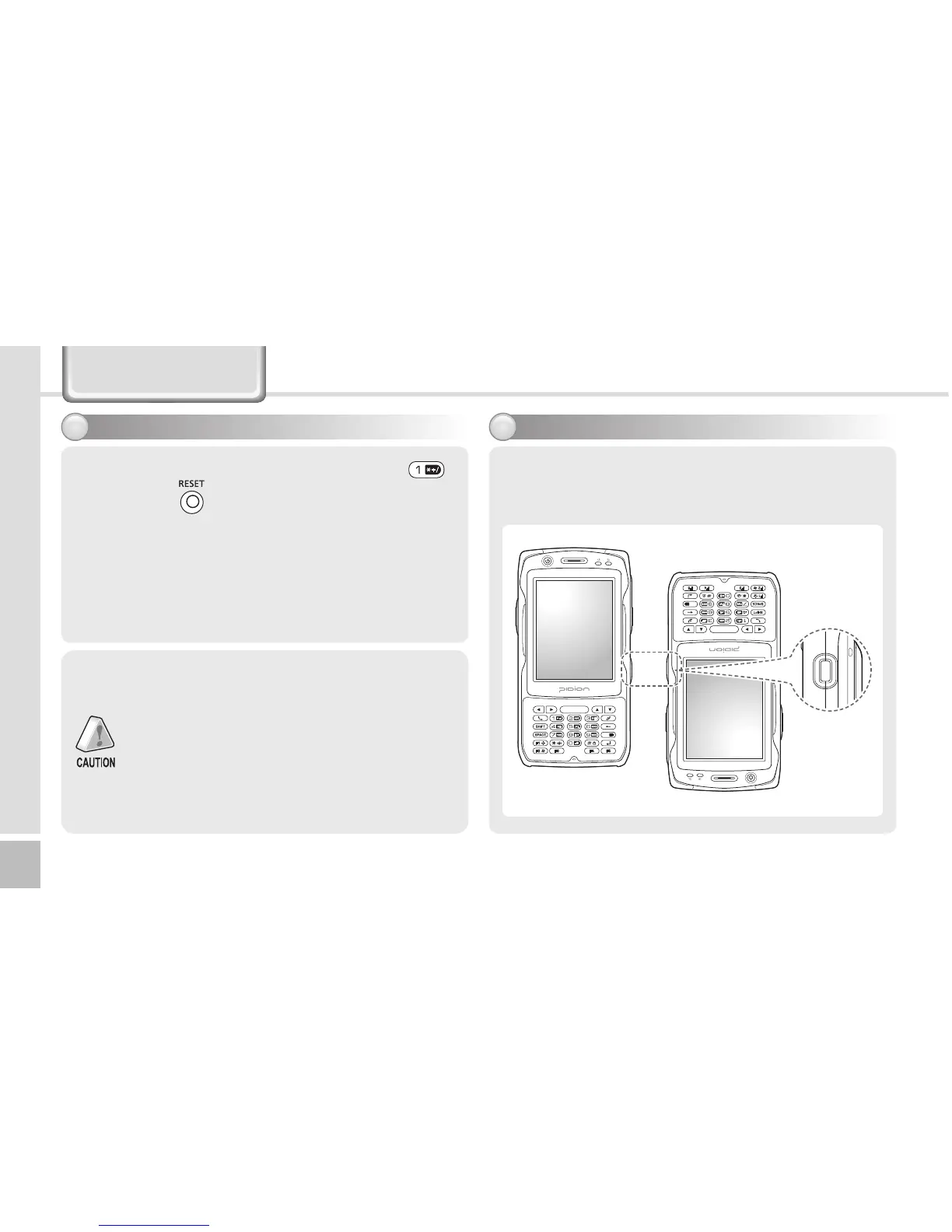
Using IrDA
14
Place the terminals, with IrDA ports facing to
each other. (The nearer between the ports, the
communication rate increases.)
IrDA port
Learning basics



 To Next Page