54
BIP-6000
Manual
Setting system environment
2
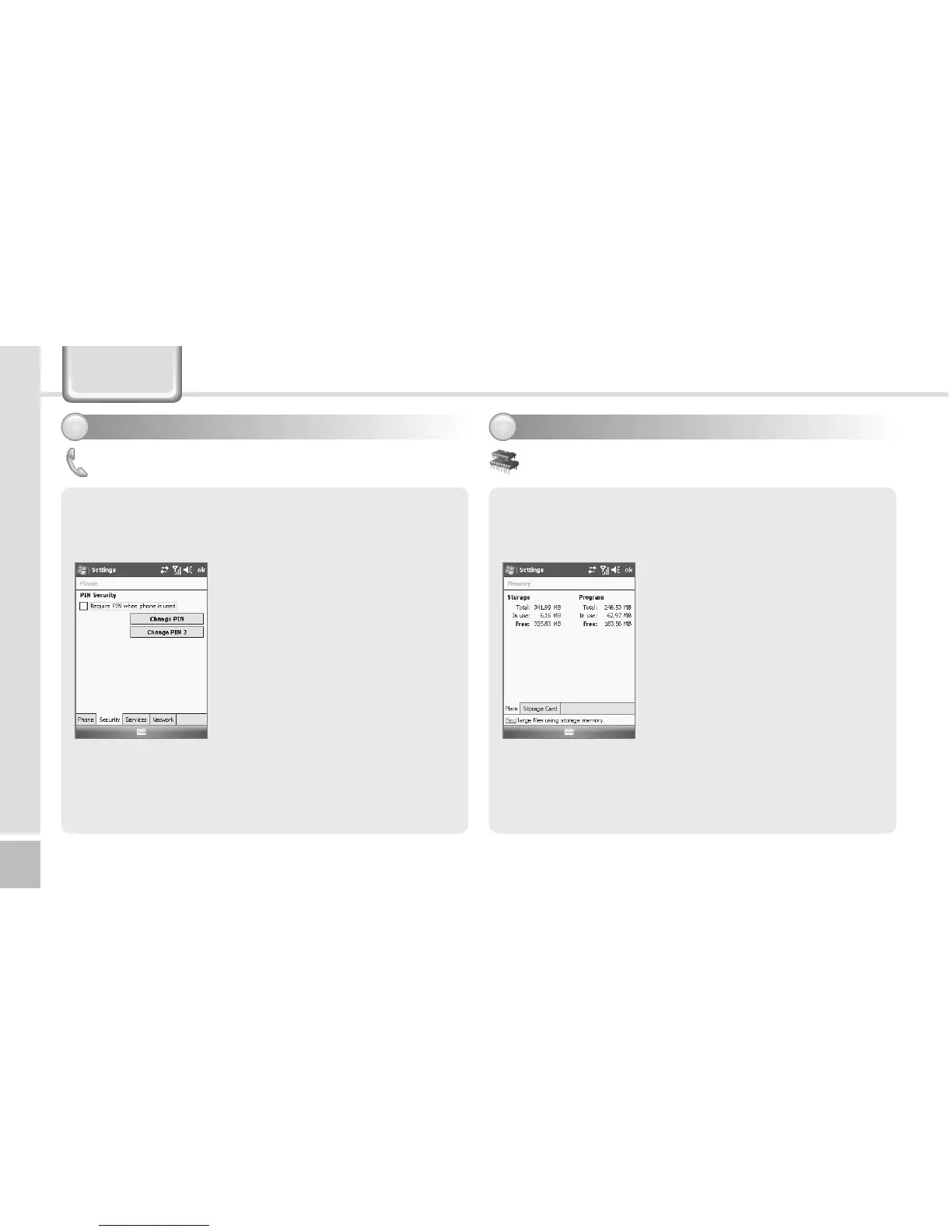
Current status of memory (In use, Free) is displayed.
Start ► Settings ► System Tab
► Memory
Main Tab
YoucanndTotal/Inuse/Free
for memory storage and
program.
Storage Card Tab
Youcanndthestatus(Inuse
/ Free) of the MicroSD memory
and ProgramStore.
Memory
Start ► Settings ► Personal
Tab ► Phone ► Security Tab
Select [Require PIN when phone
is use], enter 4~8 digit password,
and select [ok].
To change your password, select
[Change PIN].
See p. 15 for details.
Security Tab
You can set a password for USIM card to prevent
unauthorized use when it is lost or stolen.
Setting personal environment - 4
1
Phone - 2
Settings



 To Next Page