BIP-6000
53
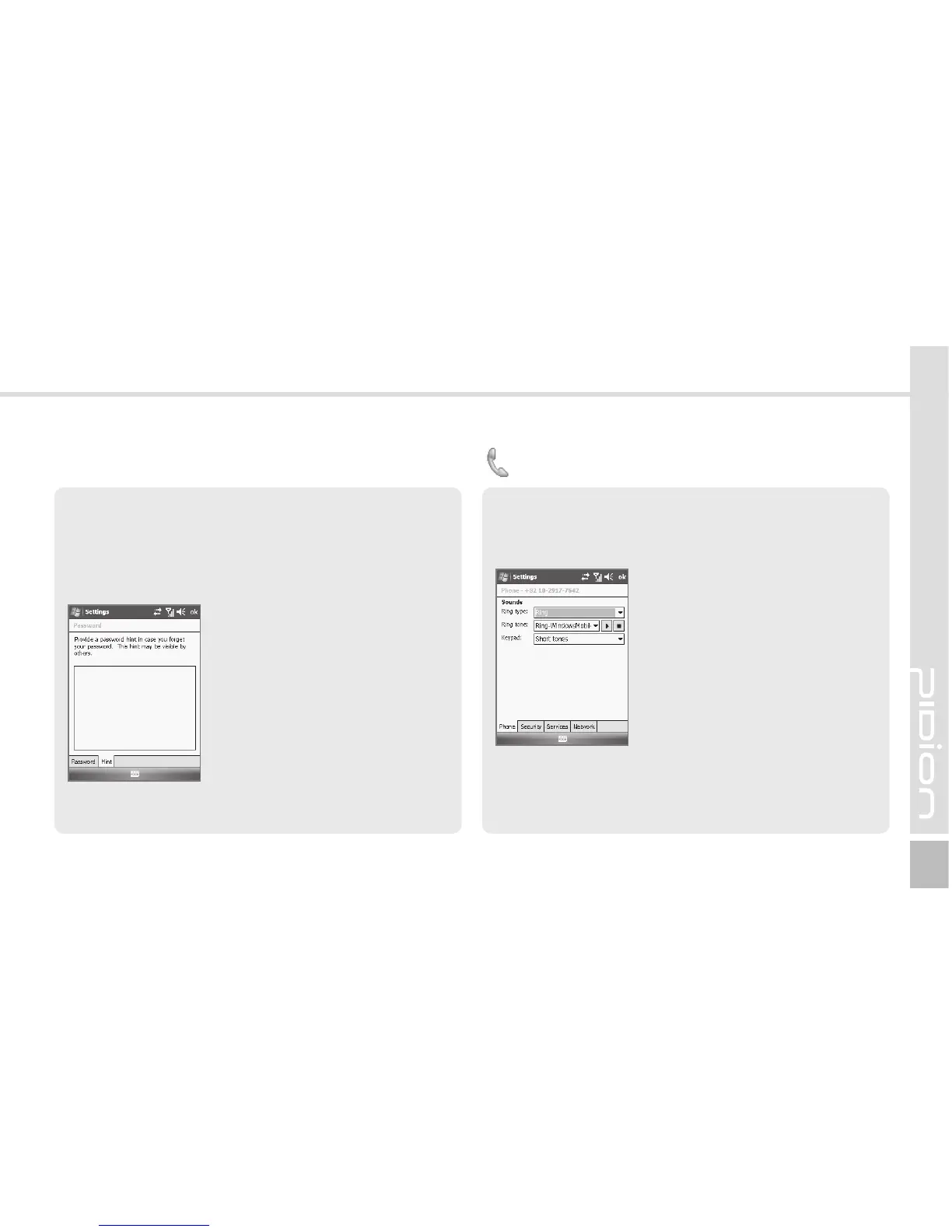
Hint Tab
Enter the words which will help you remembering your
password.
A [Hint] window pops up if you fail to enter the correct
password for 4 consecutive times.
Start ► Settings ► Personal
Tab ► Phone ► Phone Tab
Ring type : You can select Ring
/ Increasing ring / Ring once
/ Vibrate / Vibrate and ring /
Vibrate then ring / None.
Ring tone : You can select a bell.
Keypad : You can set the keypad
tone from Long tones / Short
tones / Off.
Phone
Phone Tab
You can select/deselect sound of the terminal.



 To Next Page