BIP-6000
33
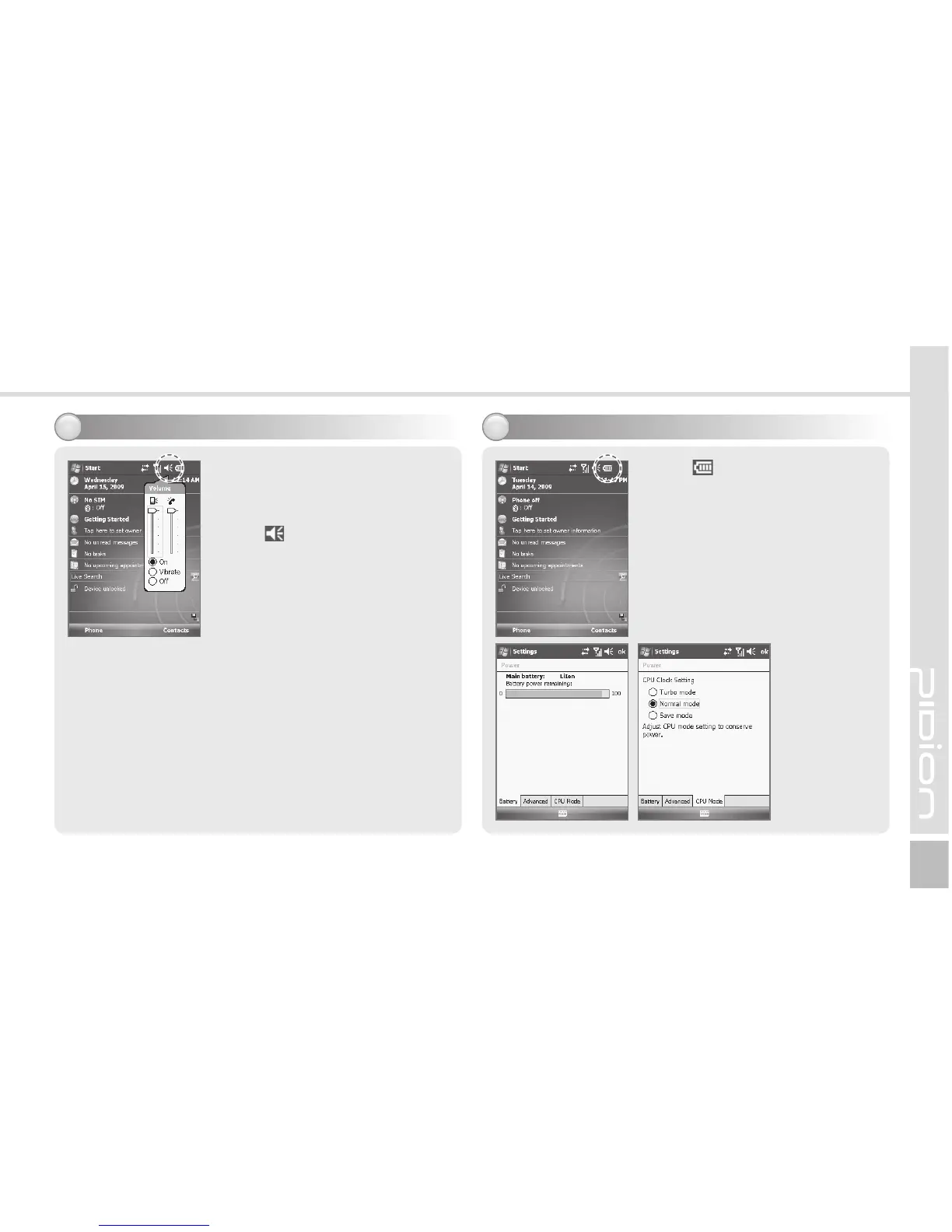
Adjusting volume
3
You can adjust volume of the
folder/menu selecting tone or
the ringer.
Select in the top right of the
screen, select Setting, and you
can adjust system/ringer volume.
If you select Vibration, the
terminal is switched into the
vibration mode. If you select
Release, the terminal is switched
into the mute mode.
Checking battery
4
Select in the top right of the
screen, and you can check the
battery status.



 To Next Page