BIP-6000
31
Reading barcode
3
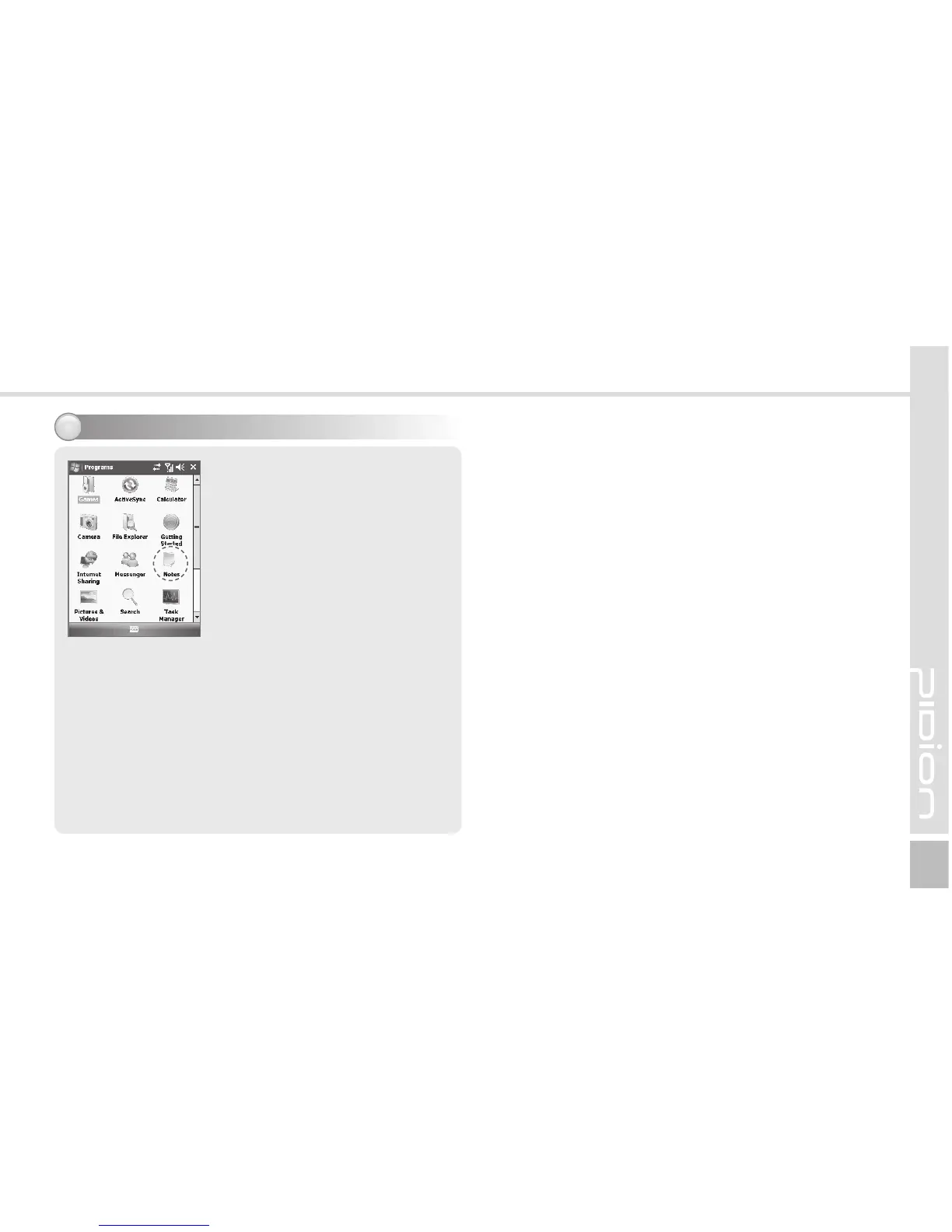
Start ► Programs ► Notes
On <Notes>, select [New] button
and read a barcode. Then, the
barcode data are displayed.
If you read a barcode as <Notes>
is open, the barcode is saved
automatically in [Notes].
If you read a barcode as <Notes>
is shut, because the data is not
saved, you should select [New]
and [Menu], and then, [Paste].



 To Next Page