44
BIP-6000
Manual
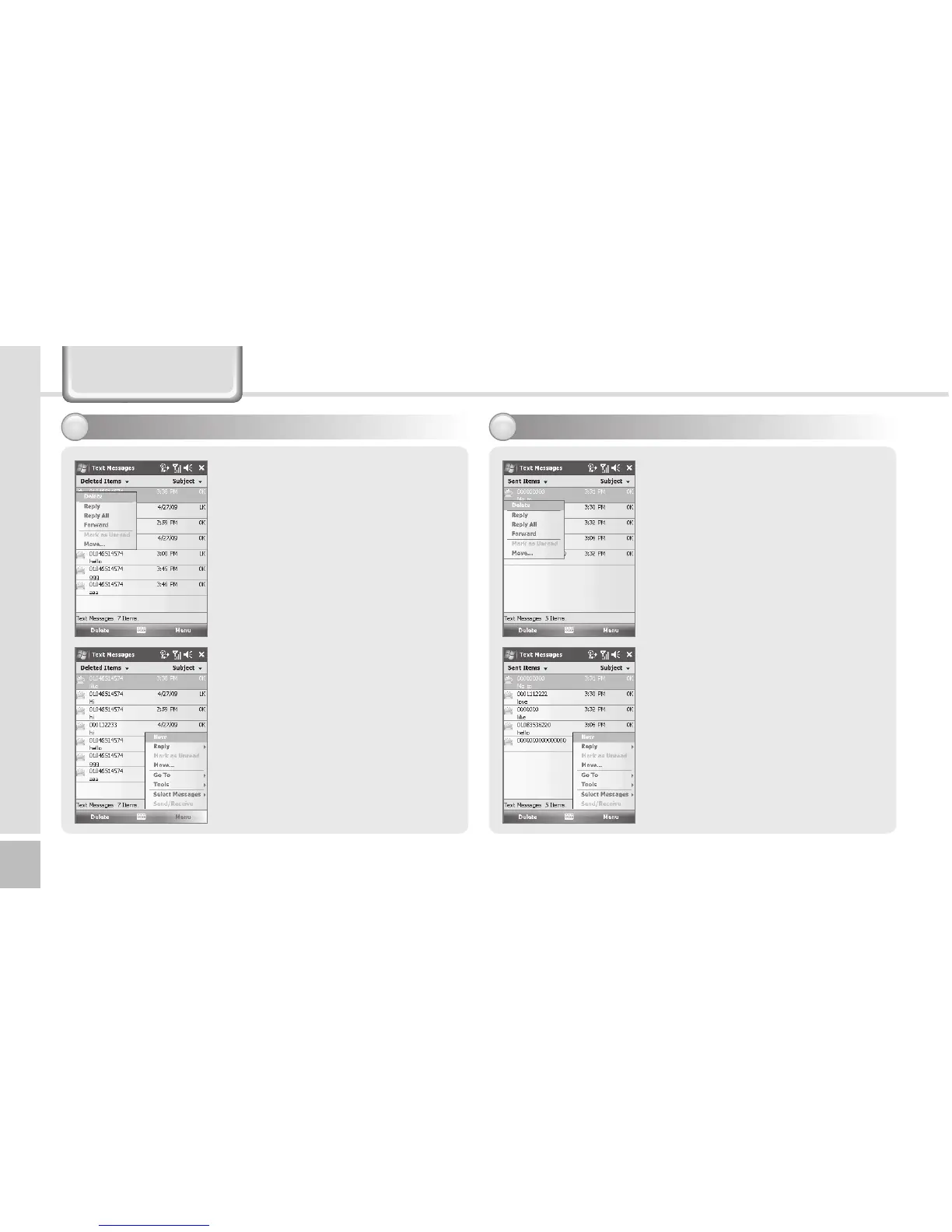
Managing Delected Items
5
A deleted message will be stored
automatically in Deleted Items
folder.
Find the deleted message from
Start ► Messaging ► Text
Messages ► Deleted Items
Managing Sent Messages
6
A sent message will be stored
automatically in Sent Items
folder.
Find the deleted message from
Start ► Messaging ► Text
Messages ► Sent Items
Tap the sent message at least 2
second to Reply/Delect/forward.
Text Message



 To Next Page