BIP-6000
7
Buttons
3
Button Description
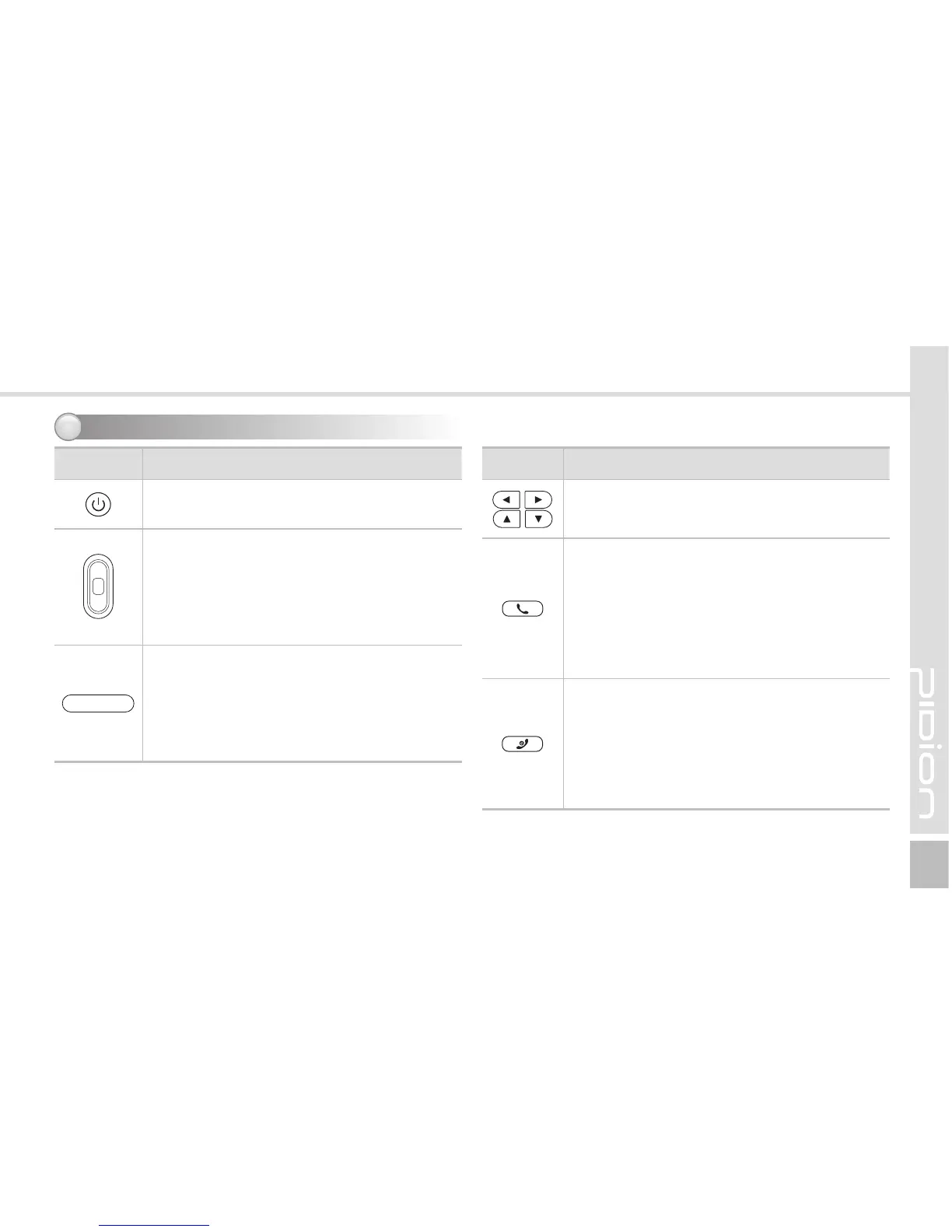
Power button
Used to switch On/Off the terminal.
Barcode buttons (Right/Left)
Used to operate the barcode functions.
During a call
Used to adjust call volume during a call.
(Right : Volume up / Left : Volume down)
Barcode button
Used to operate the barcode functions.
Camera button
Press this button during a camera function
to take a photo or video.
Button Description
Arrow buttons
Used to move left/right/up/down.
Call button
Used to start the phone program. If you
press this button once while using the phone
program, a call is made to the last party in
the call list.
Press ‘Send’ button on the keypad to connect
Internet Explore. (WLAN only termninal)
End button
Endsthephoneprogram.Youcannisha
call by pressing this button during the call.
You can also exit an application program.
Press and hold (at least 3 sec) this button to
switch off the phone function.



 To Next Page