8
BIP-6000
Manual
About the product
Button Description
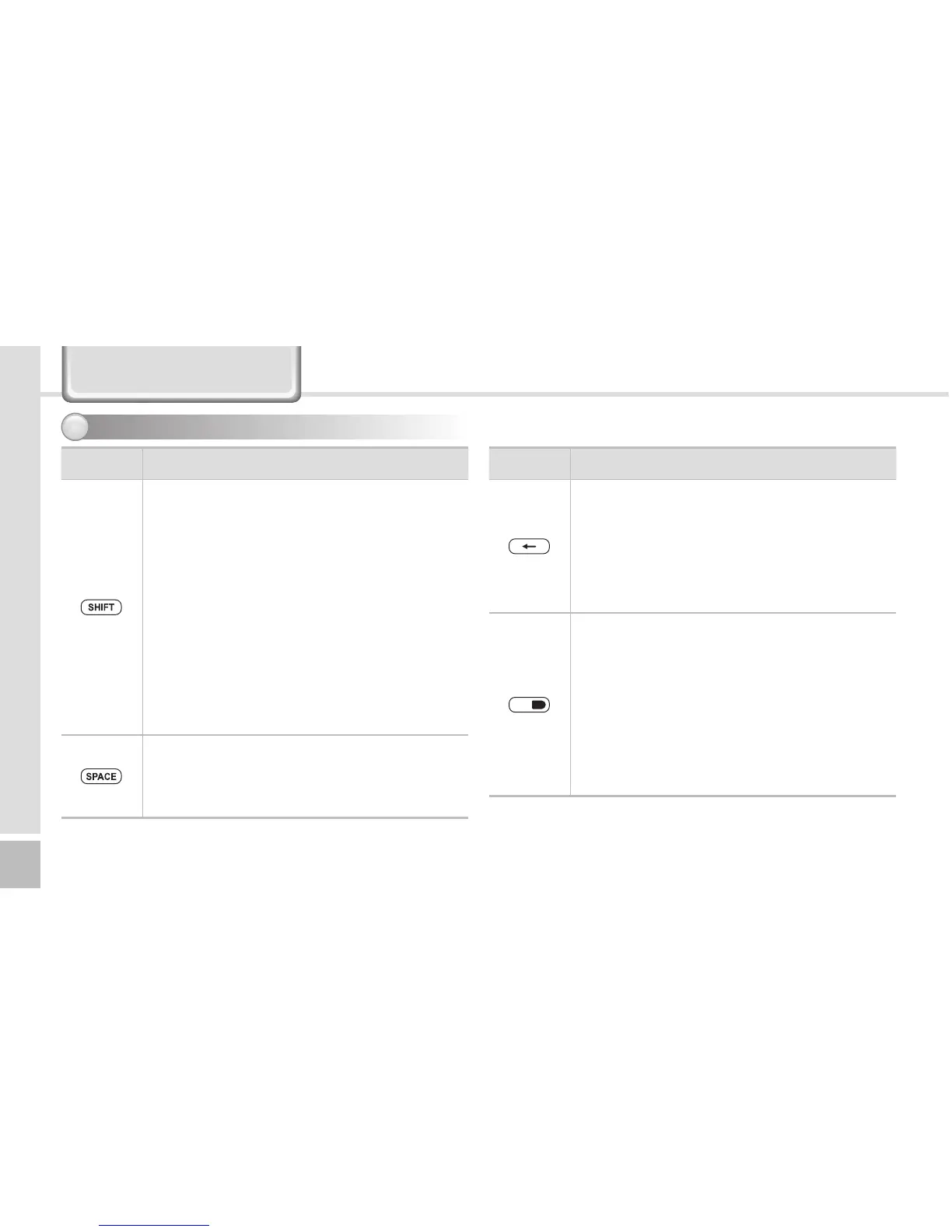
SHIFT button
Used to switch between Lowercase/
Uppercase English alphabet. (The default is
Lowercase English.)
If you press this button once and then an
alphabet key, the uppercase of the key is
entered. Then, input mode is switched to the
lowercase.
If you press this key twice, the input mode is
remained in the Uppercase like Caps Lock
until you release it.
To release the Caps Lock, you need to press
the SHIFT key twice.
Space button
The cursor moves to the right, leaving an
empty space.
It works like the Space key in computer.
Buttons - 2
3
Button Description
BKSP button
The cursor moves backward, erasing the
letters.
It works like the Back Space key in computer.
If you press and hold (at least 3 sec) this
button, the letters are deleted one by one
promptly and continuously.
Mode change button
Used to switch the input character between
Korean/English Uppercase/English
Lowercase. If you press the mode switch
button in the number mode, English
Lowercase alphabets and symbols are
displayed.
The default is Numeric. Alphabets and
symbols are activated until you press the
mode change button again.



 To Next Page