BIP-6000
9
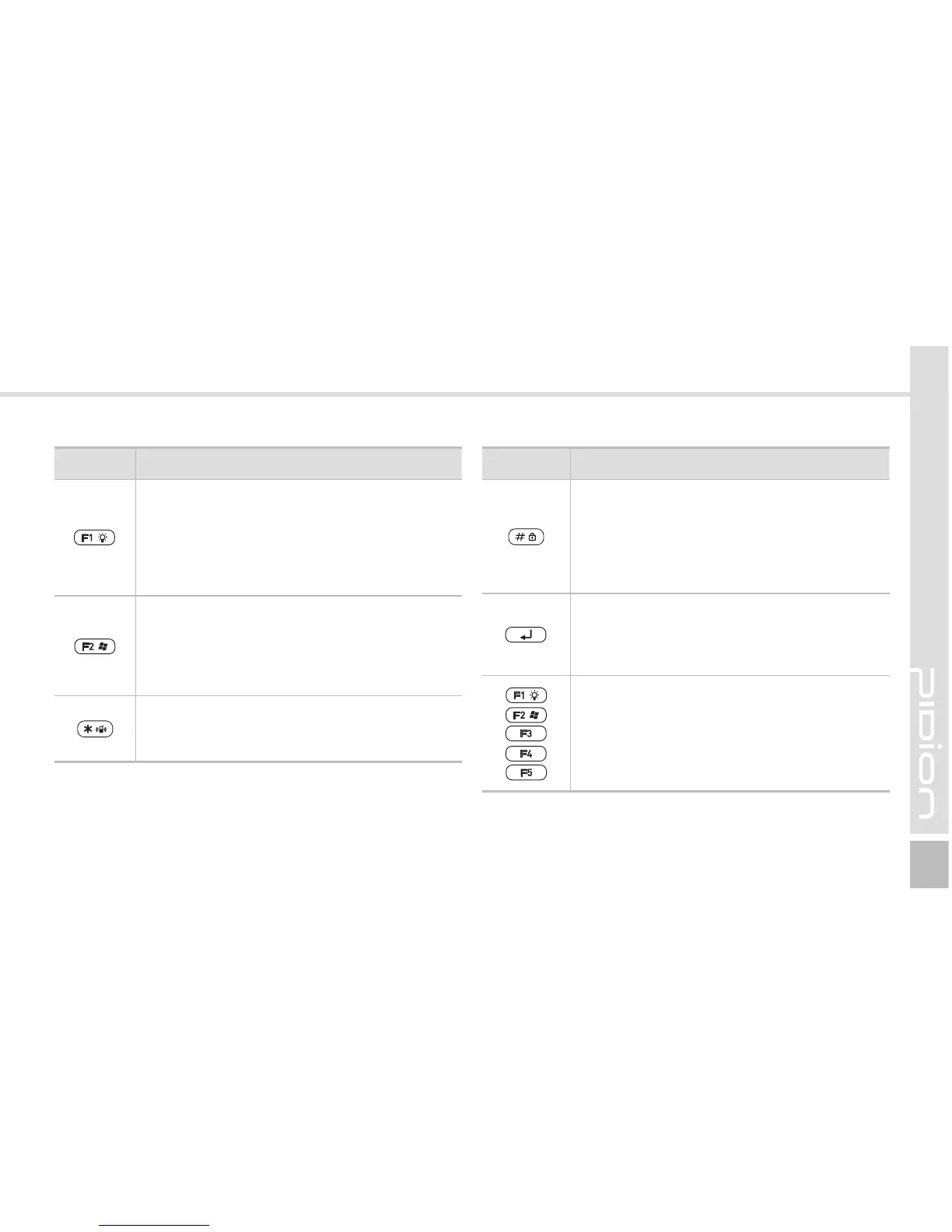
Button Description
Light button
Press this button to set the Function key.
If you press and hold this button for over 2
seconds, the LCD display light is switched
On/Off. The Display On or Off status is
maintained until you press the button again.
Window button
Press this button to enable the function
keys. Press and hold this button for over
2 seconds, and the start menu window
appears.
* button
Press and hold this button for over 3 seconds
to switch between Vibration/Ringer modes.
Button Description
# button
On the Phone main window, # is entered.
On the windows other than the Phone
main window, if you press and hold this
key, the phone is locked.
Enter button
Changes lines in the text input mode.
This button works like the Enter key in
computer.
F1 ~ F5 buttons
Youcandenethefunctions.
See p.48 for details.



 To Next Page