50
BIP-6000
Manual
Setting personal environment - 2
1
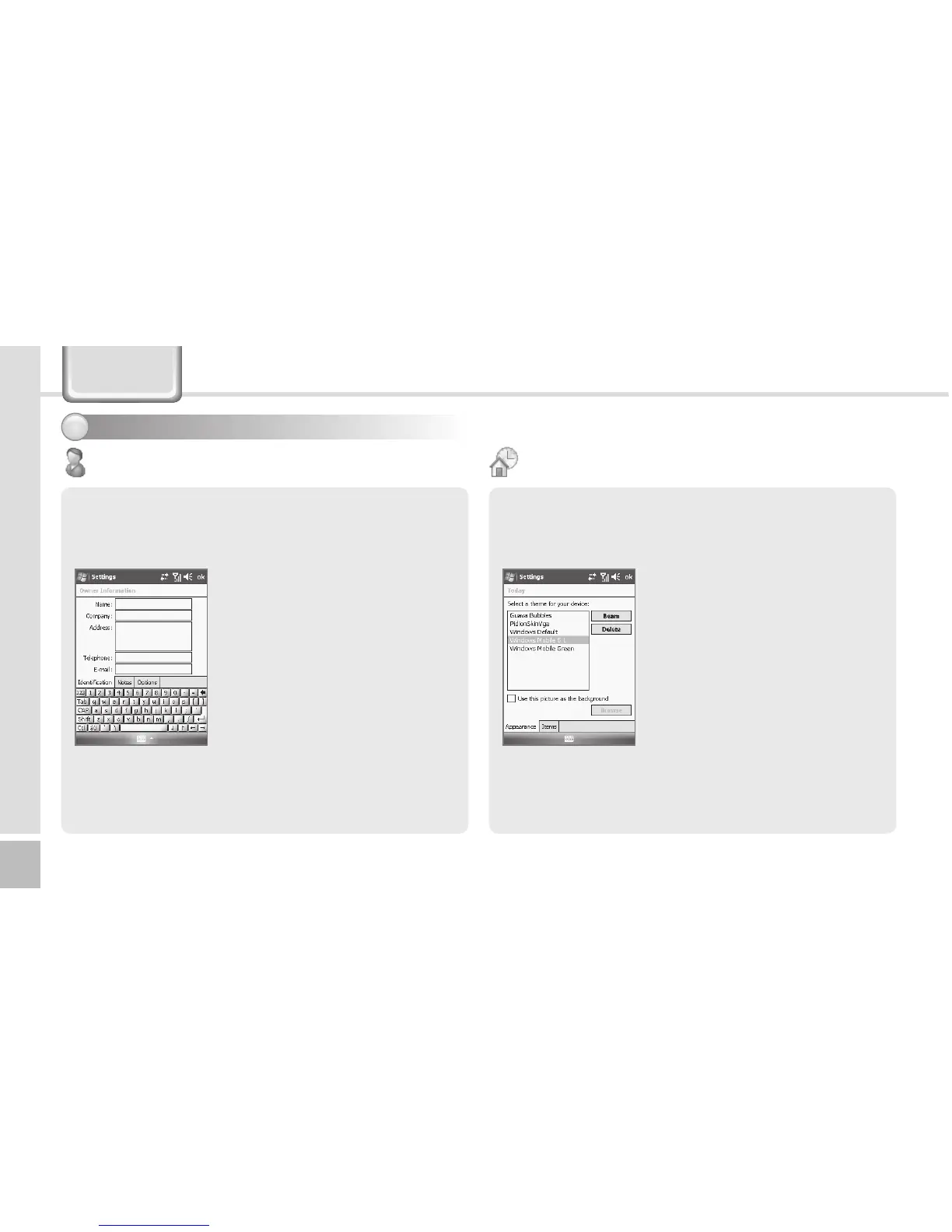
You can set owner information or memo.
Start ► Settings ► Personal
Tab ► Owner Information
You can register user Name,
Company, Address, Telephone,
E-mail and Notes, and select if
they are to be displayed when
the terminal is switched on.
Start ► Settings ► Personal
Tab ► Today
1 Select [Use this picture as the
background], and select the
[Browse] button.
2 Select the [Folder] in which
the desired photo is stored.
3Selectthepicturele[Type].
4Selectthepictureleand
press the [ok] button.
Appearance Tab
You can select an image in the terminal as the
background of Today screen.
Owner Information Today
Settings



 To Next Page