BIP-6000
49
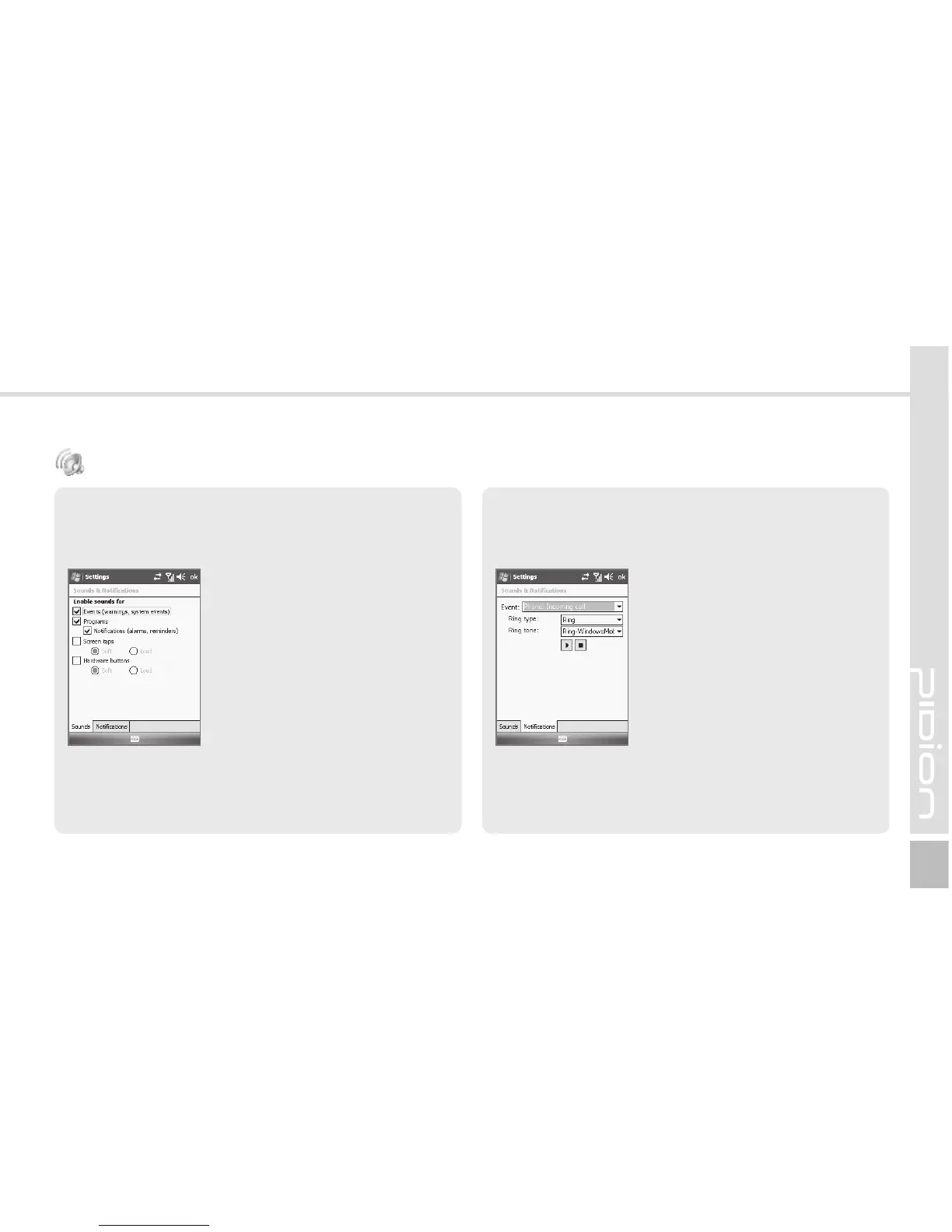
Sounds Tab
You can select whether to use notirication tones for
Events, Programs, Screen taps, Hardware buttons.
Start ► Settings ► Personal
Tab ► Sounds & Notirications
As you select items, sounds and
notirications are set for the items,
andtheterminalnotiesyouof
status or event with sound.
Notirications Tab
You can select the sound method and notirication tone
for status or event.
Start ► Settings ► Personal
Tab ► Sounds & Notirications
► Notirications Tab
You can select Ring type and
Ring tone for status or event,
including phone, wireless
network, alert and ActiveSync.
Sounds & Notirications



 To Next Page