BIP-6000
51
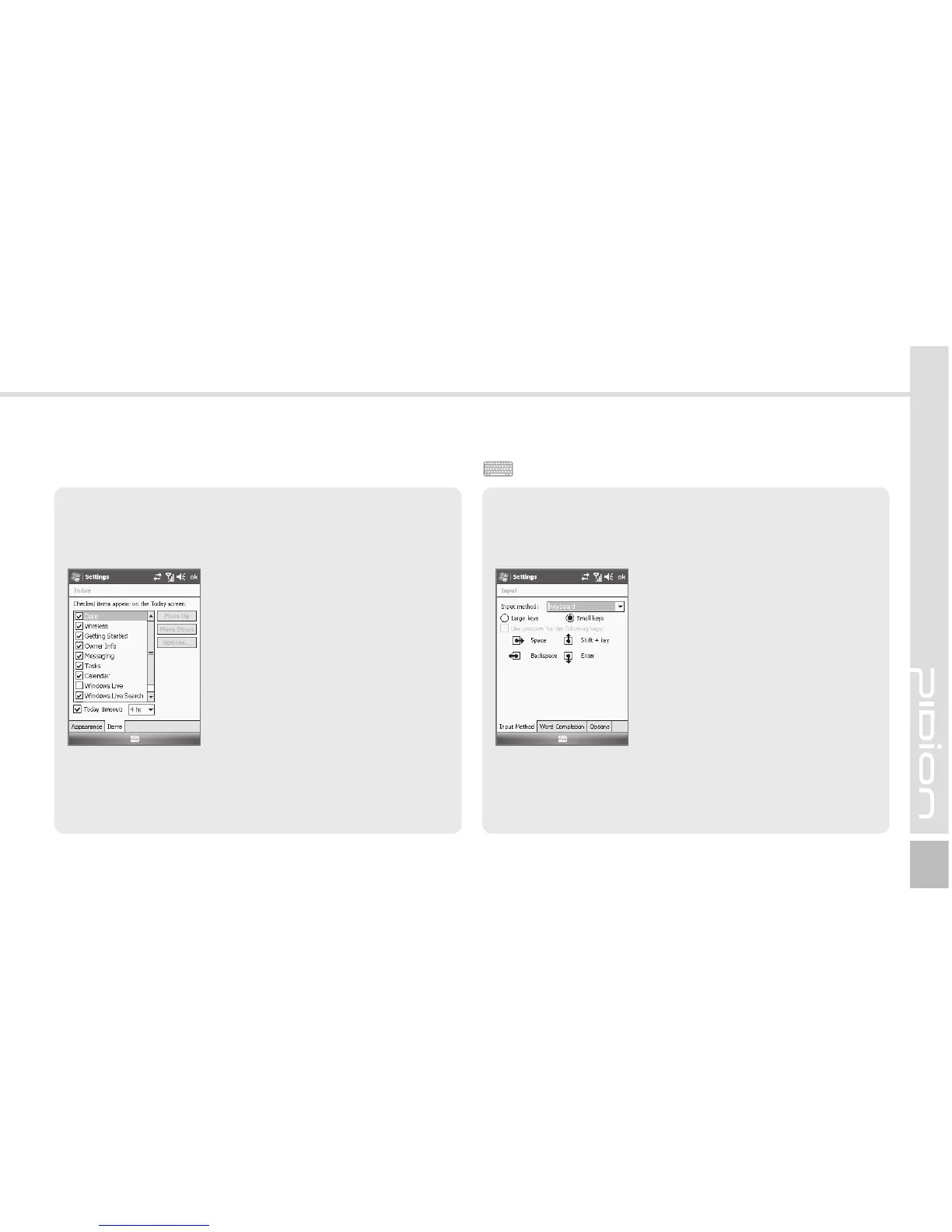
Items Tab
You can select items to be displayed on the Today
screen.
Start ► Settings ► Personal
Tab ► Today ► Items Tab
The selected items on the list are
displayed on Today screen. You
can change the order of display
of the items with the [Move
Up]/[Move Down] button.
Start ► Settings ► Personal
Tab ► Input
If you select Option for
Handwriting, you can make
setting for Handwriting layout for
left hander / Three handwriting
input boxes / Restriction of
handwriting recognition time.
Options Tab
You can select the voice
recording format.
You can select the text input method or the voice
recording format.
Input



 To Next Page