52
BIP-6000
Manual
Setting personal environment - 3
1
Password Tab
Use this function to protect data by setting the terminal
to request password every time it is switched on.
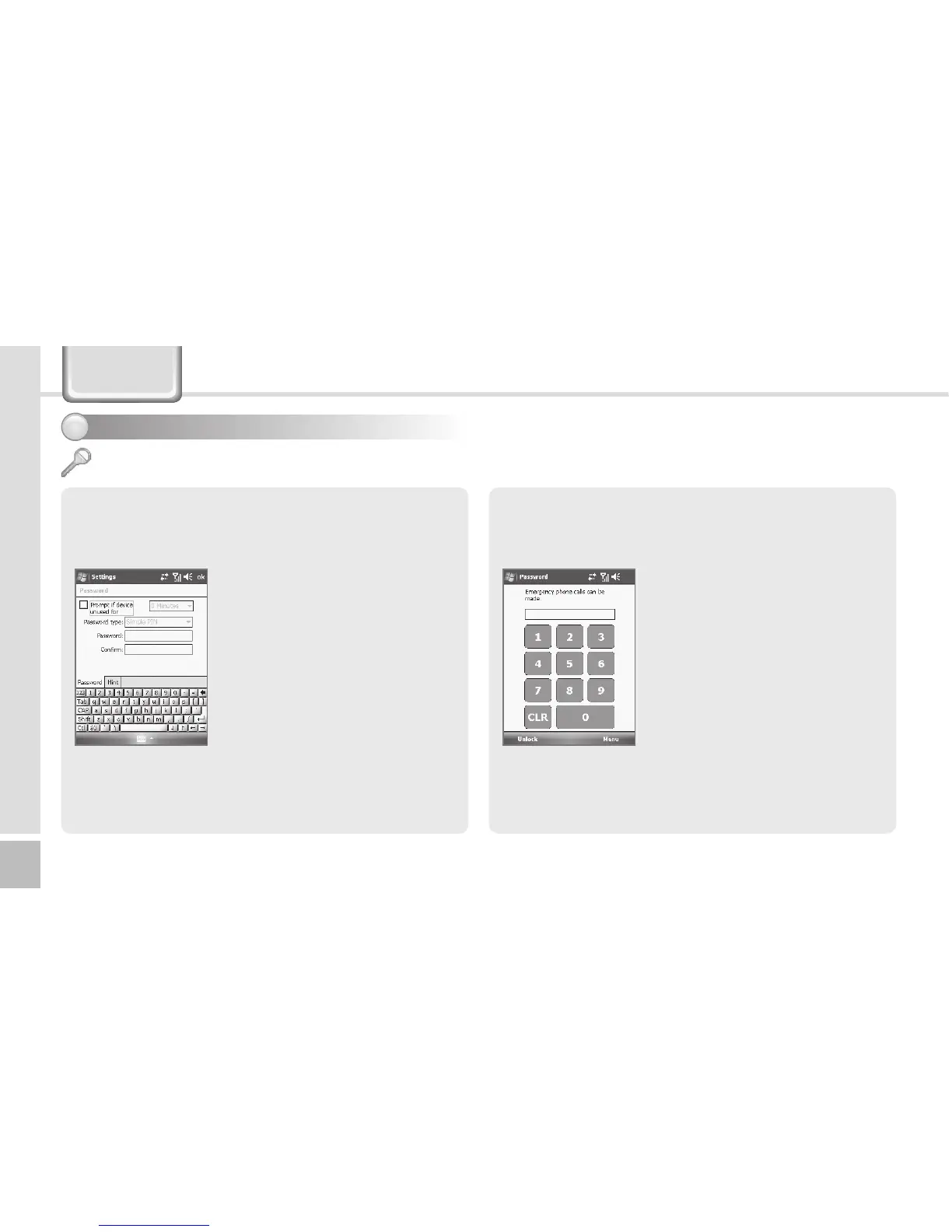
Start ► Settings ► Personal
Tab ► Lock
Enter the password in the
Passwordeld,andenteritagain
forconrmation.
Select [Prompt if device unused
for], and enter time.
The password should be 4 ~ 8
digits, and repeated numbers
(e.g., [1111]) or sequential
numbers (e.g., [1234]) is not
allowed.
If [Prompt if device unused for] is selected, if the
terminal is left unused for the designated time, the
following window pops up.
Enter the password, and select
[Unlock] in the bottom of the
screen.
Lock
Settings



 To Next Page