BIP-6000
59
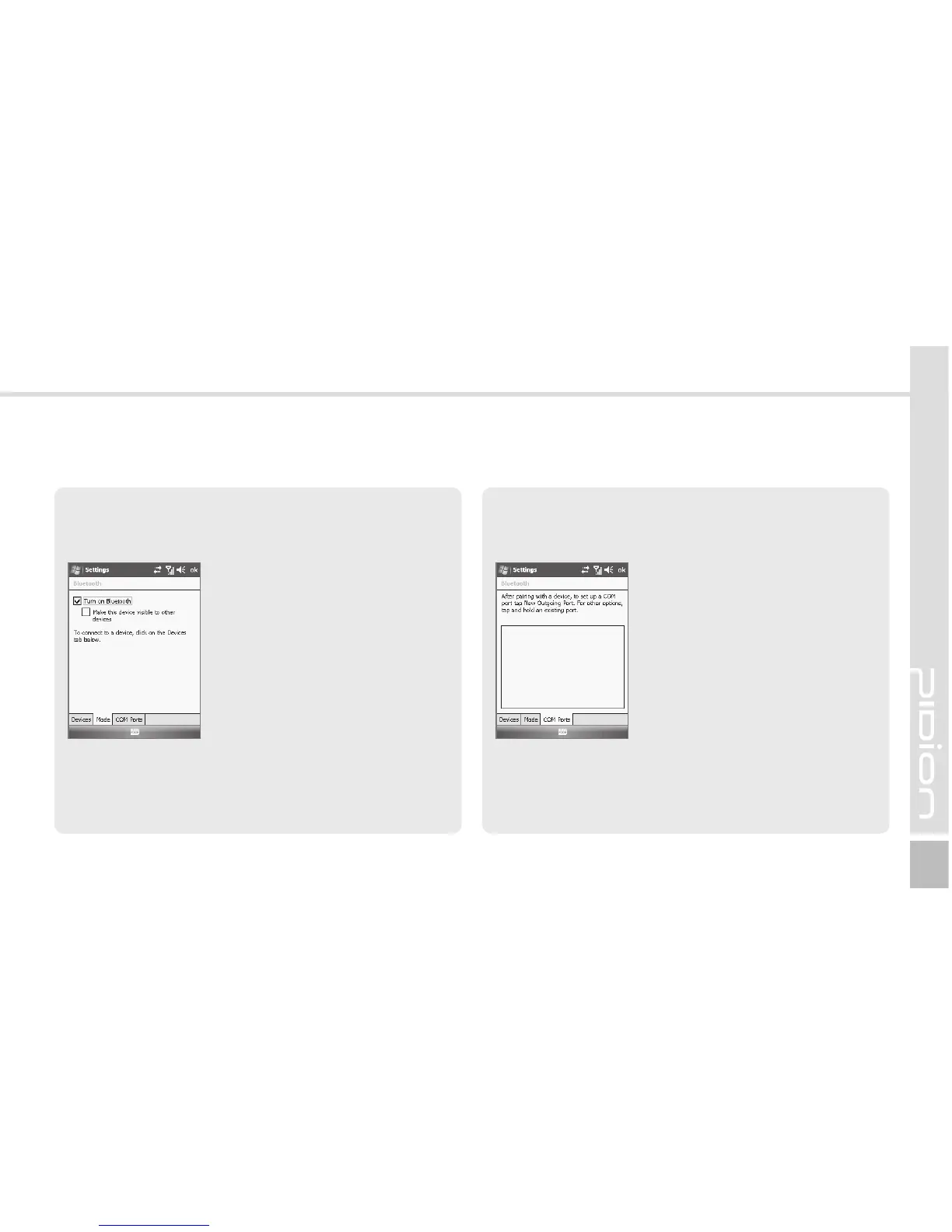
Mode Tab
You can set communication with the Bluetooth device.
Start ► Settings ►
Connections Tab ► Bluetooth
► Mode Tab
Turn on Bluetooth :
Select whether to use the
Bluetooth device. To extend the
battery life, you should uncheck
this option.
Make this device visible to
other devices : This option
allows BIP-6000 to be searched
by other devices.
COM Ports Tab
Select the COM port to be connected with the
Bluetooth device.
Start ► Settings ►
Connections Tab ► Bluetooth
► COM Ports Tab



 To Next Page