60
BIP-6000
Manual
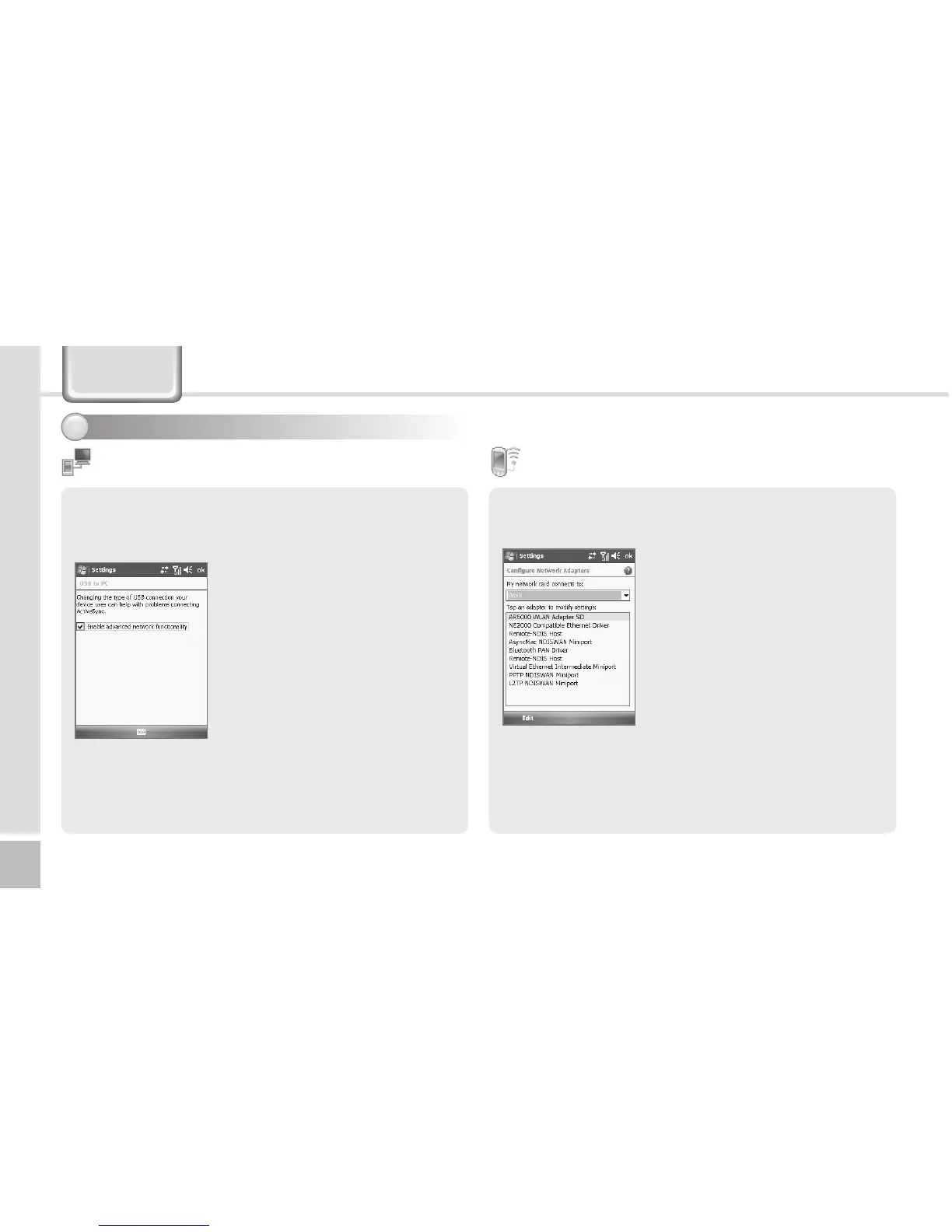
You can set the communication environment with PC.
Start ► Settings ►
Connections Tab ► USB to PC
Computers adopting the
tunneling VPN can make a
connection with the terminal
through RNDIS. In this case,
uncheck [Enable advanced
network functionality] before
attempting to connect.
If [ActiveSync] is not started
when the terminal is connected
with PC normally, you should
select [Enable advanced network
functionality].
USB to PC
Setting connection environment - 2
3
You can set the Wi-Fi wireless Internet.
Start ► Settings ►
Connections Tab ► Wi-Fi
You can set the Wi-Fi
environment for access with AP
(Access Points) through wireless
Internet.
Wi-Fi
Settings



 To Next Page